
89% OFF! — WordPress Hosting, annual: €1.30/mo — 89% OFF! ... CLICK HERE! 89 % RABAT! — WordPress Webhotel, årligt: kr 9.10/md. — 89 % RABAT! ... KLIK HER! 89 % RABATT! — WordPress Webhotell, årlig: kr 14.20/mnd — 89 % RABATT! ... KLIKK HER! 89 % RABATT! — WordPress Webbhotell, årligen: kr 13.00/mån — 89 % RABATT! ... KLICKA HÄR! 89 % RABATT! — WordPress Hosting, jährlich: €1,30/Monat — 89 % RABATT! ... HIER KLICKEN! 89 % DE RÉDUCTION ! — Hébergement WordPress, annuel : 1,30 €/mois — 89 % DE RÉDUCTION ! ... CLIQUEZ ICI !
Why is my WordPress site suddenly slow?
A sudden slowdown is often caused by hosting resource limits, PHP worker overload, or traffic spikes.
Is cheap hosting slowing down my WordPress website?
Low-cost hosting often shares resources aggressively, which can cause slow performance during traffic.
Can slow hosting hurt my Google rankings?
Yes — slow TTFB and poor Core Web Vitals can negatively impact SEO and conversions.
How do I know if my hosting is the problem?
If your site slows down under normal traffic or the dashboard lags constantly, hosting limits are likely.
Do I need managed WordPress hosting?
Not always, but it helps remove maintenance risks for business-critical or WooCommerce sites.
Will switching hosts make WordPress faster?
If your hosting is the bottleneck, improvements can be immediate.
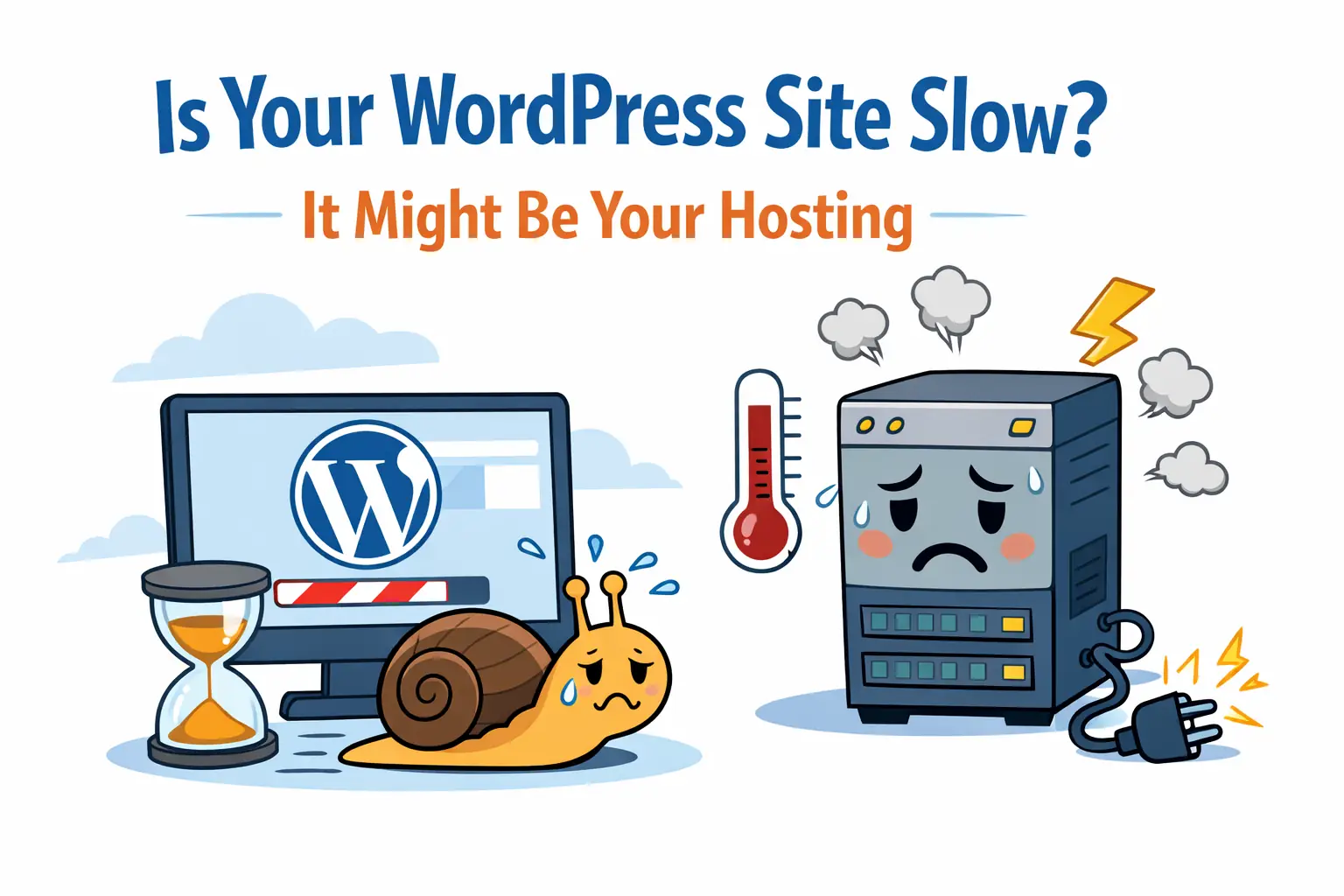
Is Your WordPress Site Slow? The Real Cause Might Be Your Hosting
A slow WordPress site can feel like a mystery. You optimize images, install caching plugins, remove old themes, disable add-ons — and it still loads in 3… 5… even 7 seconds.
In most cases, the issue is not WordPress — it’s the hosting environment.
What “Slow WordPress” Actually Means
| Symptom | What It Feels Like | Common Cause |
|---|---|---|
| Slow loading pages | Visitors wait 3–10 seconds | High TTFB / server limits |
| Laggy dashboard | Admin feels heavy or delayed | Low memory / CPU |
| Slow WooCommerce checkout | Lost customers | PHP worker saturation |
| Site crashes under traffic | Errors / timeouts | Shared resources collapsing |
| Poor mobile speed | Users bounce immediately | Slow hosting stack / no CDN |
When Poor Hosting Causes Slow Performance
- High TTFB (Time To First Byte)
- Overloaded PHP workers
- Slow storage (HDD or old SSD instead of NVMe)
- Outdated PHP
- CPU throttling
- Traffic rate limiting
WebQuickster Insight: In 70% of migrations we handle, sites become faster without touching WordPress — the hosting environment was the bottleneck.
When the Problem Isn’t Hosting
- Heavy themes or page builders
- Unnecessary or conflicting plugins
- 8–20MB hero images
- Using outdated PHP (7.x or older)
- Missing or misconfigured caching
Rule of thumb:
- Slow before interaction → hosting issue
- Slow after interaction → WordPress issue
How to Diagnose Slow WordPress in 5 Minutes
| Step | Tool | Indicator |
|---|---|---|
| Check TTFB | WebPageTest / GTmetrix | >600ms → hosting issue |
| Check LCP | PageSpeed Insights | >2.5s → theme/media |
| Dashboard lag | WP Admin | Always slow → hosting issue |
| Disable caching plugin | Temporarily | Conflict = plugin issue |
| Switch to default theme | 1-minute test | If faster → theme issue |
What Makes Hosting Actually “Fast”?
- NVMe storage (not just SSD)
- Proper PHP worker configuration
- PHP 8.2 or 8.3
- Server-level caching & isolation
- MariaDB or Percona databases
- Automated backups (separate disks)
Final Thought
You shouldn’t feel unsure about the foundation of your business website. If you’re not sure whether the issue is hosting or WordPress, you can ask WebQuickster for a free site review — no obligation.
Just ask: “Check my site speed.”