
89% OFF! — WordPress Hosting, annual: €1.30/mo — 89% OFF! ... CLICK HERE! 89 % RABAT! — WordPress Webhotel, årligt: kr 9.10/md. — 89 % RABAT! ... KLIK HER! 89 % RABATT! — WordPress Webhotell, årlig: kr 14.20/mnd — 89 % RABATT! ... KLIKK HER! 89 % RABATT! — WordPress Webbhotell, årligen: kr 13.00/mån — 89 % RABATT! ... KLICKA HÄR! 89 % RABATT! — WordPress Hosting, jährlich: €1,30/Monat — 89 % RABATT! ... HIER KLICKEN! 89 % DE RÉDUCTION ! — Hébergement WordPress, annuel : 1,30 €/mois — 89 % DE RÉDUCTION ! ... CLIQUEZ ICI !
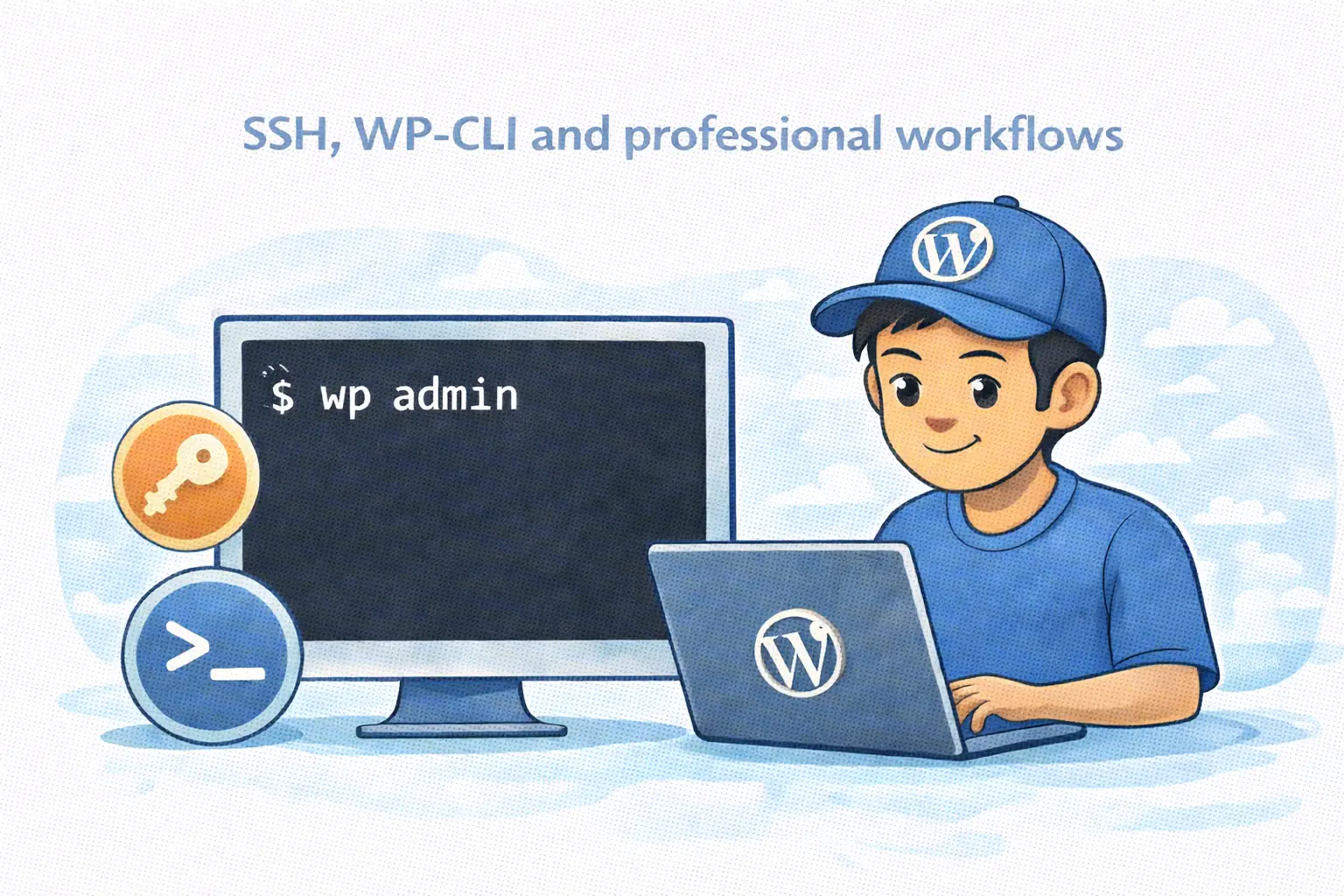
Do I need SSH or WP-CLI to run WordPress?
No. Most users can manage everything from a dashboard.
Why do some people prefer the terminal?
Because it’s faster for repetitive tasks, batch operations, and development workflows.
Is WP-CLI only for developers?
Mostly, but it’s also useful for anyone managing many sites or frequent updates.
Should hosting offer both dashboard tools and WP-CLI?
Yes. Different users work differently, and needs change over time.
Dashboard or Terminal? Why Modern WordPress Hosting Should Support Both
Different workflows, same goal: calm, reliable site management
Most WordPress sites are managed with buttons.
- Click to update.
- Click to manage plugins.
- Click to change settings.
That’s not a problem.
In fact, for most people, it’s exactly what they want.
But as projects grow, something changes:
- more sites
- more updates
- more repetition
- more need for consistency
WebQuickster insight: We offer WP-CLI to our users who want to use the terminal for WordPress batch based maintenance workflows or for WordPress development.
That’s when some users start preferring the terminal.
Not because it’s “more advanced” —
but because it’s more efficient for certain jobs.
🧱 The Dashboard Workflow (How Most People Work)
For most WordPress users, a good dashboard is everything.
A modern control panel can:
- show all your sites in one place
- let you manage plugins and themes
- handle performance settings
- manage backups and security
- open the site or admin in one click
This is:
- visual
- intuitive
- low stress
- easy to learn
For day-to-day work, dashboards are the fastest way to understand what’s going on.
And for most users, they’re more than enough.
🧩 The Terminal Workflow (Why Some Prefer WP-CLI)
Some users work differently.
- manage many WordPress sites
- run frequent updates
- build or test features
- prefer automation over clicking
- want predictable, repeatable workflows
For them, tools like WP-CLI over SSH make sense.
Not because it’s “cool” —
but because it allows:
- batch updates across sites
- consistent maintenance routines
- faster execution of repetitive tasks
- easier integration into development workflows
The terminal isn’t a replacement for the dashboard. It’s a different tool for a different style of work.
⚖️ The Healthy Middle Ground: Support Both
The best hosting platforms don’t force you into one workflow.
- beginners aren’t overwhelmed
- power users aren’t limited
- teams can work the way they prefer
- workflows can evolve over time
You don’t need WP-CLI on day one. But it’s good to know your platform won’t block you when your needs change.
Final Thought
WordPress doesn’t need to become more complex as it grows.
- better tools
- better options
- calmer workflows
Whether you click or type, the goal is the same: reliable, predictable site management.