
89% OFF! — WordPress Hosting, annual: €1.30/mo — 89% OFF! ... CLICK HERE! 89 % RABAT! — WordPress Webhotel, årligt: kr 9.10/md. — 89 % RABAT! ... KLIK HER! 89 % RABATT! — WordPress Webhotell, årlig: kr 14.20/mnd — 89 % RABATT! ... KLIKK HER! 89 % RABATT! — WordPress Webbhotell, årligen: kr 13.00/mån — 89 % RABATT! ... KLICKA HÄR! 89 % RABATT! — WordPress Hosting, jährlich: €1,30/Monat — 89 % RABATT! ... HIER KLICKEN! 89 % DE RÉDUCTION ! — Hébergement WordPress, annuel : 1,30 €/mois — 89 % DE RÉDUCTION ! ... CLIQUEZ ICI !
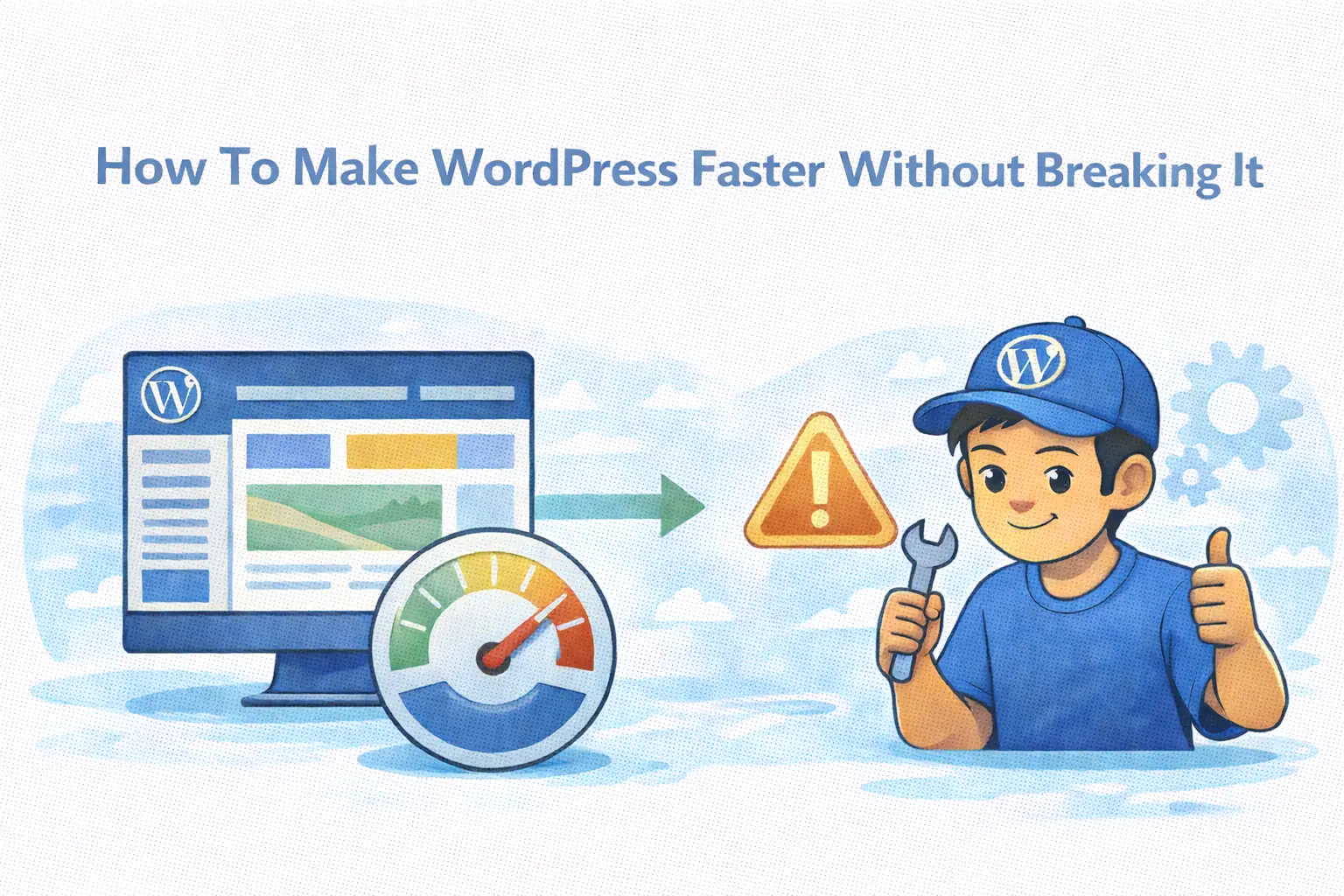
Can speed optimization cause issues?
Sometimes, specific optimizations (like JavaScript minification) should be tested after activation.
Is it safe to use minify on modern WordPress themes?
Often yes. Well built, modern themes are generally designed to work with common performance optimizations.
Should I enable everything at once?
No. Change one thing at a time and test the result.
How do I know if an optimization actually helped?
Run speed tests before and after changes to measure real improvement.
How to Make WordPress Faster Without Creating New Problems
Calm performance improvements that actually stick
Making WordPress faster doesn’t need to feel risky.
Most performance problems come from:
- changing too many things at once
- not knowing what actually helped
- chasing scores instead of stability
Speed optimization works best when it’s:
- calm
- measured
- incremental
The goal isn’t to turn every switch on.
It’s to make meaningful improvements you can trust.
WebQuickster Insight: Provides access to built-in performance settings in the WebQuickster dashboard, allowing users to adjust caching and optimization in one place and test changes step by step on their WordPress hosting.
🧱 Block 1 — Start with a Stable Baseline
Before optimizing anything, know where you’re starting.
That means:
- your site loads reliably
- pages render correctly
- nothing breaks visually
Establish a baseline by:
- checking load time
- noting key metrics
- understanding which pages matter most
This gives you context.
Without a baseline, improvements feel random.
With a baseline, improvements become visible.
🧩 Block 2 — Apply Safe Optimizations First
Some performance steps are broadly safe and predictable:
- caching
- CDN usage
- basic asset optimization
These improve delivery without changing how your site behaves.
They:
- reduce server load
- improve repeat visits
- stabilize performance under traffic
This creates a strong foundation.
Most speed gains come from getting the basics right —
not from aggressive fine tuning.
⚖️ Block 3 — Fine Tuning (Tested, Not Rushed)
More advanced tweaks can help —
but they should be tested.
Examples include:
- JavaScript minification
- asset preloading
- more aggressive optimization settings
These are usually safe on well built, modern themes.
But small differences in plugins or setups can matter.
The calm approach:
- enable one change
- test your site
- keep what works
- revert what doesn’t
This avoids guessing.
Measure Real Gains (Not Just Scores)
Don’t rely on feeling or assumptions.
Use speed tests (for example, GTmetrix) before and after changes to see real gains.
This shows:
- what actually improved
- how much load time changed
- whether the change was worth keeping
Measure first.
Then decide.
Why Calm Optimization Works Better
Fast sites stay fast when:
- changes are intentional
- improvements are verified
- stability is protected
This avoids the common cycle of:
tweak → break → revert → repeat
Calm optimization compounds.
Chaotic optimization resets progress.
Final Thought
Speed isn’t about turning everything on.
It’s about:
- choosing the right changes
- testing them
- and keeping what actually helps
Small, verified improvements outperform big, rushed tweaks.
Calm CTA
If you’re unsure which speed changes to keep:
📩 Ask WebQuickster support for a neutral performance sanity check.
Just write: “Which speed changes should I keep?”
Better speed comes from clarity —
not from clicking faster.