
89% OFF! — WordPress Hosting, annual: €1.30/mo — 89% OFF! ... CLICK HERE! 89 % RABAT! — WordPress Webhotel, årligt: kr 9.10/md. — 89 % RABAT! ... KLIK HER! 89 % RABATT! — WordPress Webhotell, årlig: kr 14.20/mnd — 89 % RABATT! ... KLIKK HER! 89 % RABATT! — WordPress Webbhotell, årligen: kr 13.00/mån — 89 % RABATT! ... KLICKA HÄR! 89 % RABATT! — WordPress Hosting, jährlich: €1,30/Monat — 89 % RABATT! ... HIER KLICKEN! 89 % DE RÉDUCTION ! — Hébergement WordPress, annuel : 1,30 €/mois — 89 % DE RÉDUCTION ! ... CLIQUEZ ICI !
What is DNS in simple terms?
DNS connects your domain name (like yourdomain.com) to the servers and services behind it, such as your website and email.
Why don’t DNS changes work instantly?
DNS changes are applied immediately on name servers, but due to caching (TTL), updates can take time to propagate worldwide.
What does an A record do?
An A record points a hostname to an IPv4 address. It’s commonly used to connect your domain or subdomain to a server IP.
Is CNAME the same as forwarding?
No. CNAME is DNS level aliasing. Forwarding is website redirection.
Why did my email stop working after DNS changes?
Incorrect or missing MX or TXT (SPF) records can prevent email from working properly.
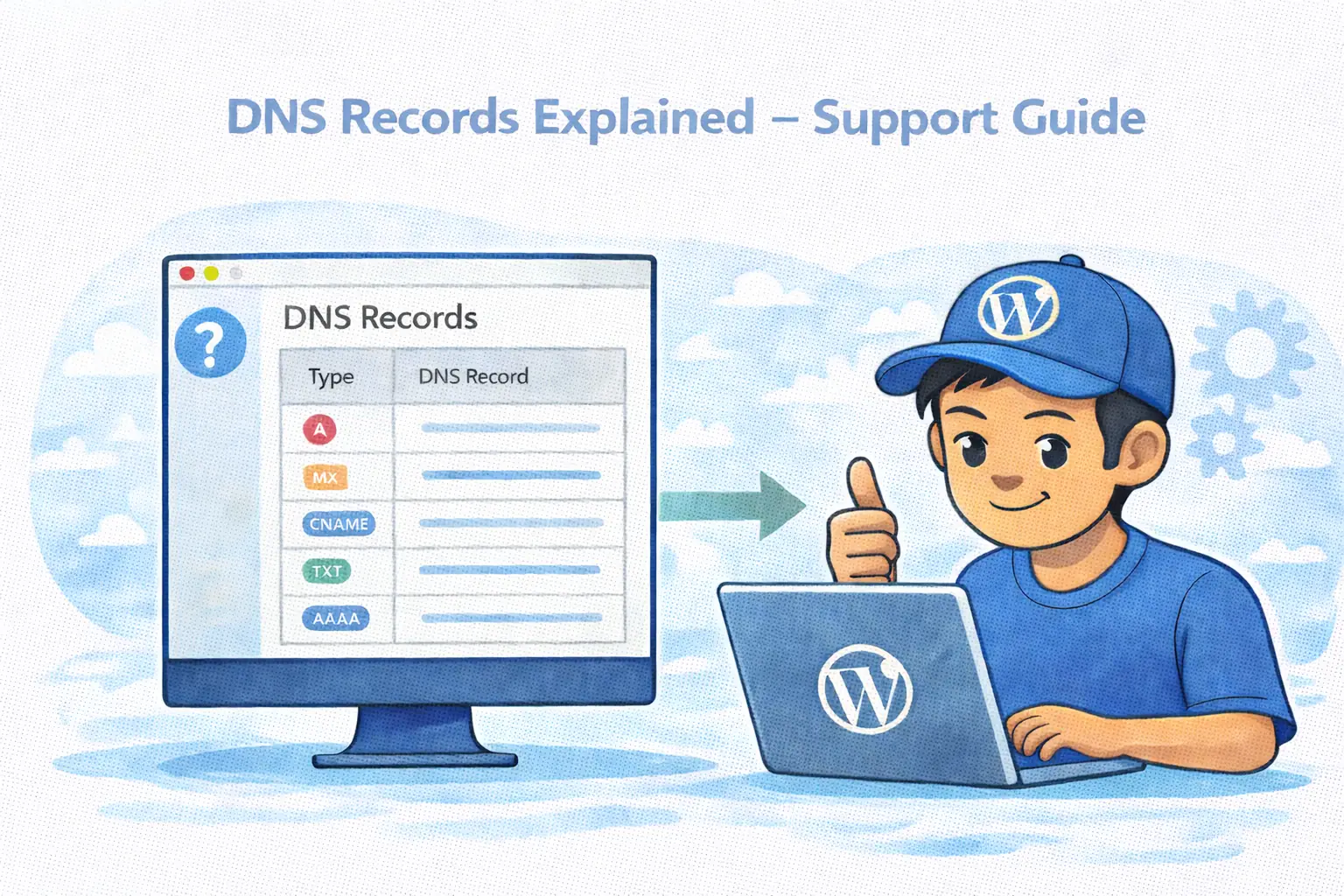
DNS Records Explained (Support Guide for WebQuickster Users)
What each DNS record type does — and when to use it
DNS is what connects your domain name (like yourdomain.com) to the services behind it.
When someone visits your website or sends you an email, DNS decides:
- which server your website points to
- which mail server receives emails
- which services are allowed to use your domain
You can manage all DNS records for your domain from your WebQuickster dashboard.
Important to know:
- DNS changes are applied immediately on the name servers
- But due to caching (TTL), changes can take time to update worldwide
- It’s normal if changes don’t work everywhere instantly
WebQuickster Insight: WebQuickster’s dashboard shows all DNS record types in one place (User domains), so you can manage websites, email, and service connections without switching tools. Only change advanced DNS records if a service provides exact instructions.
The Most Common DNS Records (Used by Most Customers)
A record
Points a hostname to an IPv4 address. Use this to connect your domain or subdomain to a server IP.
Example: Point yourdomain.com to your website server.
AAAA record
Same as A record, but for IPv6 addresses.
CNAME record
Creates an alias from one hostname to another hostname. The destination must be a hostname (not an IP address).
Important:
- CNAME cannot be used on the root domain
- CNAME is not the same as URL forwarding
MX record
Tells the internet which mail server should receive emails for your domain.
- The destination must be a hostname
- MX records use priority (lowest number = used first)
TXT record (incl. SPF)
Stores text information in DNS. Often used for:
- SPF (email sending permissions)
- domain verification
- security checks
NS record
Tells which name servers handle your domain. Normally only changed if you move DNS to another provider.
Advanced DNS Records (Use Only If a Service Tells You To)
These records are usually provided by technical services, security setups, or special providers. Only add them if you are given exact values.
- CAA – Controls which Certificate Authorities can issue SSL certificates for your domain.
- SRV – Used by some applications (VoIP, chat systems, services discovery).
- PTR – Reverse DNS (IP → hostname). Typically managed by hosting providers.
- DNSKEY / DS / TLSA / KEY / IPSECKEY – Security related records (DNSSEC, TLS validation, secure services).
Common Questions
How long do DNS changes take to work?
Usually minutes to hours. In rare cases up to 24–48 hours due to DNS caching worldwide.
Can I break my website by editing DNS?
Yes. Incorrect records can cause downtime. Only change DNS if you know what the service requires.
Is CNAME the same as forwarding?
No. CNAME is DNS level aliasing. Forwarding is website redirection.
Why does my email stop working after DNS changes?
MX or TXT (SPF) records may be incorrect or missing.
Final Tip
If a service asks you to “add a DNS record”:
- copy the values exactly
- choose the correct record type
- wait for DNS propagation
- test after changes
If you’re unsure, contact support before changing DNS.