
89% OFF! — WordPress Hosting, annual: €1.30/mo — 89% OFF! ... CLICK HERE! 89 % RABAT! — WordPress Webhotel, årligt: kr 9.10/md. — 89 % RABAT! ... KLIK HER! 89 % RABATT! — WordPress Webhotell, årlig: kr 14.20/mnd — 89 % RABATT! ... KLIKK HER! 89 % RABATT! — WordPress Webbhotell, årligen: kr 13.00/mån — 89 % RABATT! ... KLICKA HÄR! 89 % RABATT! — WordPress Hosting, jährlich: €1,30/Monat — 89 % RABATT! ... HIER KLICKEN! 89 % DE RÉDUCTION ! — Hébergement WordPress, annuel : 1,30 €/mois — 89 % DE RÉDUCTION ! ... CLIQUEZ ICI !
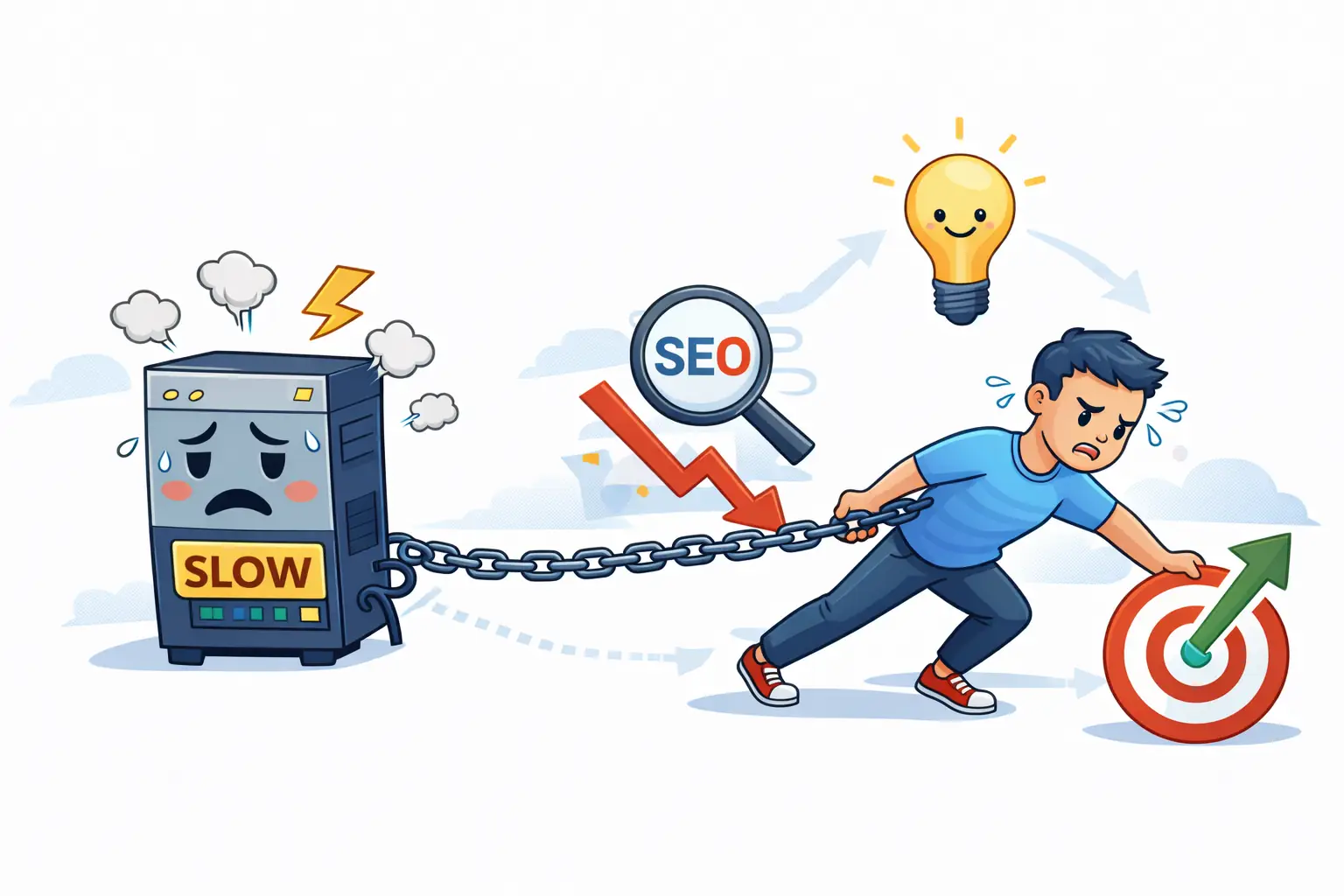
How do I know if hosting is slowing down my WordPress site?
If performance feels inconsistent even after optimization, hosting may be the bottleneck. Slow backend and frontend together is a common sign.
What’s the fastest way to check if hosting is the issue?
Compare WP-Admin responsiveness with frontend speed. If both feel slow or laggy, the server is likely struggling.
Should I switch hosting immediately?
Not necessarily. Measure patterns first. If issues persist across traffic levels and optimizations, switching may be justified.
Can slow hosting affect SEO or sales?
Yes, indirectly. Slow response times impact crawl efficiency, user experience, and conversion rates.
How to Tell If Your WordPress Hosting Is Holding You Back
A WordPress site can look “fine” — and still quietly lose performance, trust, and revenue.
Based on patterns observed at WebQuickster, many sites appear stable on the surface, while logs, analytics, or checkout behavior reveal friction long before failures happen.
This guide gives you a simple, non-technical self-check to understand whether your hosting is supporting your site — or limiting it.
Signs Your Hosting Is Supporting You (Green Flags)
- Pages load predictably, even during campaigns
- WP-Admin remains responsive
- Updates feel safe, not risky
- Checkout stays smooth under load
- Search Console shows stable response times
- Backups and staging aren’t stressful topics
These signs indicate healthy infrastructure — even if design or content still needs work.
Signs You’re Approaching the Limits (Yellow Flags)
- Backend slows down during busy hours
- Performance varies day to day
- Page builders feel heavier over time
- Occasional response delays appear in Google reports
- Traffic campaigns cause brief slowdowns
- Support blames plugins before checking logs
Yellow flags mean: Your website is growing, but your hosting hasn’t grown with it yet.
WebQuickster insight: “When performance problems come and go, it’s rarely the website itself that’s unstable – it’s the hosting capacity that can no longer handle sustained load”. This is one of the most common realizations we see.
When Hosting Is Clearly Holding You Back (Red Flags)
- Slow backend even on a clean install
- Checkout or cart freezing under traffic
- Frequent 500 or database connection errors
- Plugin updates failing due to PHP limits
- Optimization reaches a hard ceiling
- Extra fees for basic features like SSL or staging
At this stage, the issue is misalignment — not failure. Your hosting no longer matches your site’s role.
The 10 Second Hosting Check
“If I double traffic tomorrow — what breaks first?”
- Layout breaks → UX issue
- Checkout breaks → funnel issue
- Hosting breaks → engine issue
No guesswork. Just direction.