
89% OFF! — WordPress Hosting, annual: €1.30/mo — 89% OFF! ... CLICK HERE! 89 % RABAT! — WordPress Webhotel, årligt: kr 9.10/md. — 89 % RABAT! ... KLIK HER! 89 % RABATT! — WordPress Webhotell, årlig: kr 14.20/mnd — 89 % RABATT! ... KLIKK HER! 89 % RABATT! — WordPress Webbhotell, årligen: kr 13.00/mån — 89 % RABATT! ... KLICKA HÄR! 89 % RABATT! — WordPress Hosting, jährlich: €1,30/Monat — 89 % RABATT! ... HIER KLICKEN! 89 % DE RÉDUCTION ! — Hébergement WordPress, annuel : 1,30 €/mois — 89 % DE RÉDUCTION ! ... CLIQUEZ ICI !
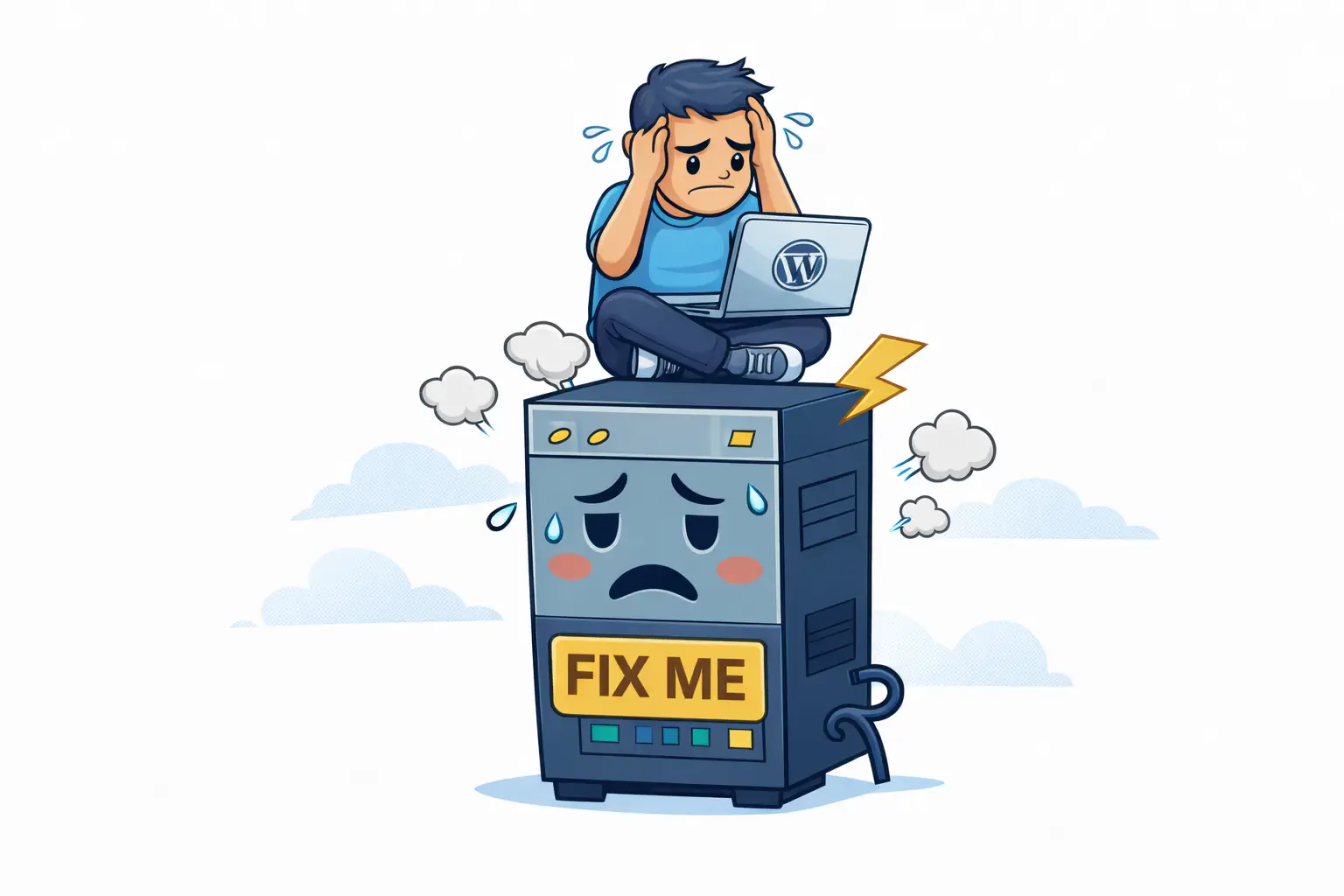
Why can’t my WordPress developer fix hosting problems?
Because hosting problems exist on the server level. Developers work with code, themes, and plugins — not CPU limits, PHP workers, or server infrastructure.
Can a developer improve site speed without changing hosting?
Only to a point. Developers can optimize assets and queries, but they can’t bypass server resource limits or storage bottlenecks.
How do I know if slow performance is hosting-related?
If performance worsens during traffic spikes, sales, or campaigns — even after optimization — hosting is often the bottleneck.
Should my developer be responsible for hosting performance?
No. Developers can advise, but they shouldn’t be held accountable for infrastructure they don’t control.
Do I need a new developer if my site is still slow?
Not necessarily. First identify whether the limitation is code related or caused by server capacity and hosting configuration.
Why Your WordPress Developer Can’t Fix Hosting Problems
When a WordPress site is slow or unstable, the developer often gets the blame.
- Pages feel sluggish
- Admin area is slow
- Traffic spikes cause issues
- Checkout or forms feel unreliable
If your developer already optimized the theme, plugins, and frontend — yet problems remain — the issue is usually not the website.
👉 It’s the hosting layer.
What Developers Actually Control
Developers work on the website itself:
- Theme structure and layout
- Plugin selection and conflicts
- Frontend performance (CSS, JS, images)
- Database queries and code efficiency
They can make the site lean and efficient — but they can’t upgrade the engine it runs on.
WebQuickster insight: We often see developers deliver fully optimized sites that still feel slow — because the hosting environment sets a hard performance ceiling.
What Hosting Controls (And Developers Don’t)
- CPU and RAM limits
- PHP worker availability
- Storage speed (NVMe vs SSD vs HDD)
- PHP version and execution model
- Server location and network latency
If these are constrained, even perfect code will hit a ceiling.
Why the Blame Often Goes Wrong
Think of it this way:
You hire a skilled pilot.
The plane has a weak engine.
The pilot can fly smoothly — but they can’t make the engine produce more power.
WordPress works the same way.
When Hosting Is the Real Fix
Hosting is likely the issue if:
- Performance drops under real traffic
- Admin area is always slow
- TTFB is high even on simple pages
- Upgrades stop improving speed
Changing developers won’t increase memory limits, PHP workers, or disk I/O.
Fix the bottleneck first — then optimize.
Final Thought
Good hosting and good development are partners, not substitutes.
If you’re unsure where the problem lives:
📩 Ask WebQuickster support for a neutral hosting fit review.
Just write: “Check my hosting fit — dev vs host.”
Clarity beats guesswork — every time.