
89% OFF! — WordPress Hosting, annual: €1.30/mo — 89% OFF! ... CLICK HERE! 89 % RABAT! — WordPress Webhotel, årligt: kr 9.10/md. — 89 % RABAT! ... KLIK HER! 89 % RABATT! — WordPress Webhotell, årlig: kr 14.20/mnd — 89 % RABATT! ... KLIKK HER! 89 % RABATT! — WordPress Webbhotell, årligen: kr 13.00/mån — 89 % RABATT! ... KLICKA HÄR! 89 % RABATT! — WordPress Hosting, jährlich: €1,30/Monat — 89 % RABATT! ... HIER KLICKEN! 89 % DE RÉDUCTION ! — Hébergement WordPress, annuel : 1,30 €/mois — 89 % DE RÉDUCTION ! ... CLIQUEZ ICI !
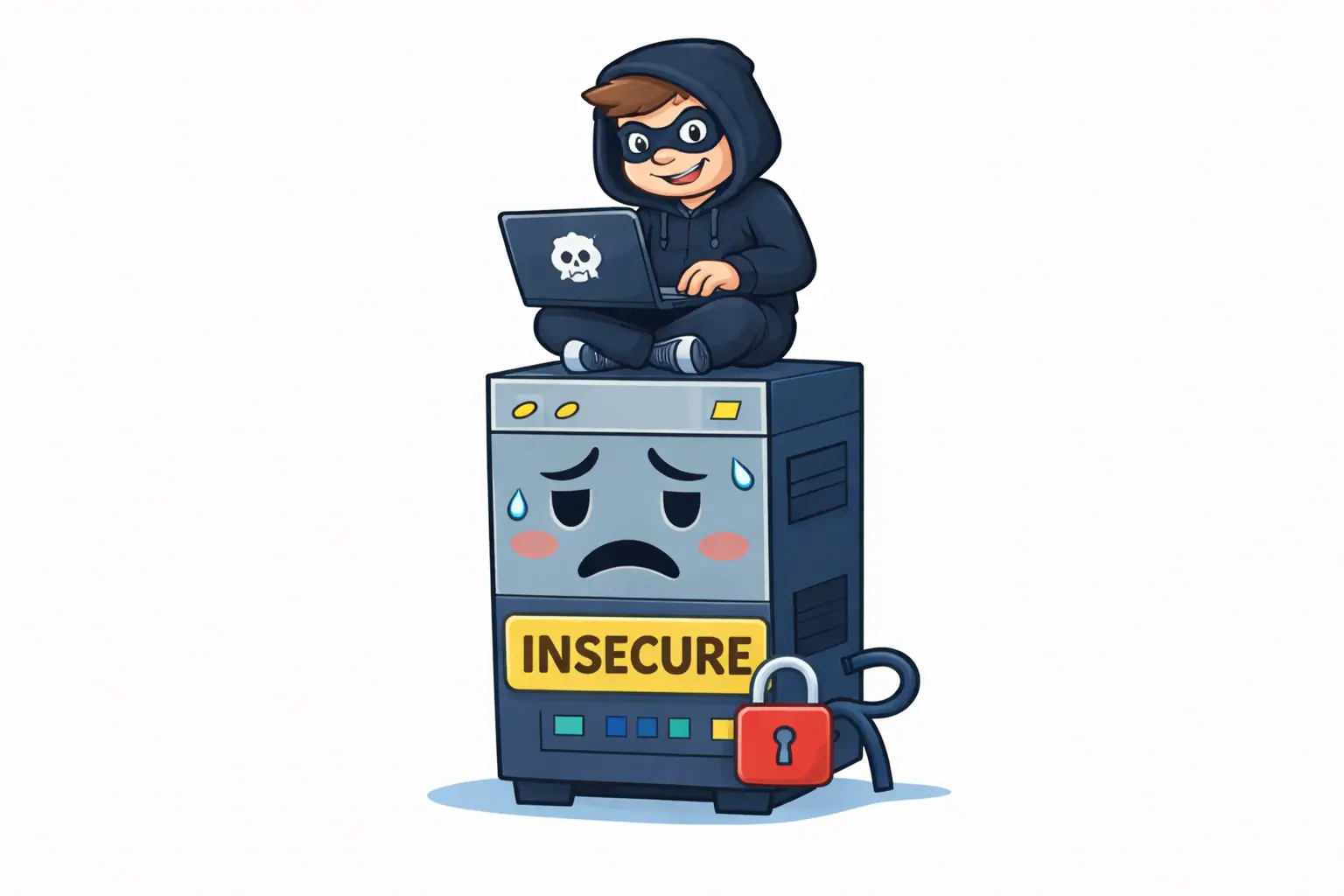
Why do WordPress sites get hacked so often?
Most hacks don’t target WordPress itself. They exploit outdated plugins, weak credentials, or poorly secured hosting environments.
Is WordPress insecure by default?
No. A properly updated WordPress installation running on secure hosting is generally very safe.
Can hosting affect WordPress security?
Yes. Hosting controls isolation, update automation, malware scanning, and how attacks spread between sites.
Are most hacked WordPress sites outdated?
Yes. The majority of compromised sites are running outdated plugins, themes, or core versions.
Is being “careful” enough to stay secure?
No. In 2026, security depends on systems and automation, not just careful behavior.
Why WordPress Security Problems Are Often Hosting Problems
And why “being careful” is no longer enough in 2026
When a WordPress site gets hacked, the blame often lands on WordPress.
But in most real cases, WordPress wasn’t the problem.
Based on patterns we see at WebQuickster, security issues usually appear where maintenance stops and hosting responsibility begins — long before an attacker ever logs in.
The Reality in 2026: Hacking Is Automated
Modern attacks are not manual. They are fast, automated, and opportunistic.
- AI driven scanners crawl thousands of sites per minute
- Plugin and theme versions are detected automatically
- Known vulnerabilities are matched instantly
- The first unpatched site gets exploited
Attackers don’t target your site personally.
They scan — and exploit whatever is easiest.
The Three Most Common Causes of WordPress Hacks
1. Outdated Plugins and Themes (The #1 Cause)
The majority of hacked WordPress sites weren’t updated.
Not because owners didn’t care — but because updates were delayed, ignored, or feared.
- Vulnerabilities are public
- Exploit code is widely shared
- Scanners know exactly what to look for
A site that isn’t updated isn’t invisible.
It’s an easy target.
2. Weak Passwords and Brute Force Attacks
This is still responsible for a noticeable share of compromises.
- Weak or reused passwords
- No login attempt limits
- Credentials never rotated
It’s not sophisticated — it just works often enough.
3. Poorly Secured Hosting Environments
This is where many site owners lose visibility.
If hosting lacks:
- Proper account isolation
- Filesystem separation
- Malware scanning
- Permission hardening
One infected site can affect others.
Your site may not be attacked directly — it becomes collateral damage.
Why “Just Be Careful” Is No Longer Enough
Good habits help — but they are no longer sufficient.
Because vulnerabilities appear after installation, plugins age silently, and humans forget.
Security today is about systems, not memory.
WebQuickster insight: Sites that stay updated rarely get hacked — even as traffic grows. Security improves most when updates stop being optional.
The Calm Security Checklist
- ✔ Core, plugins, and themes stay updated
- ✔ Strong, unique passwords
- ✔ Login attempts are limited
- ✔ Hosting isolates accounts properly
- ✔ Backups exist before updates
- ✔ Malware scans run automatically
If several of these are missing, risk increases — even if the site looks fine.
Final Thought
If you’re unsure whether your WordPress security depends on luck:
📩 Ask WebQuickster support for a neutral security check.
Just write: “Check my WordPress security setup.”
Security isn’t about fear.
It’s about removing easy wins for attackers.