
89% OFF! — WordPress Hosting, annual: €1.30/mo — 89% OFF! ... CLICK HERE! 89 % RABAT! — WordPress Webhotel, årligt: kr 9.10/md. — 89 % RABAT! ... KLIK HER! 89 % RABATT! — WordPress Webhotell, årlig: kr 14.20/mnd — 89 % RABATT! ... KLIKK HER! 89 % RABATT! — WordPress Webbhotell, årligen: kr 13.00/mån — 89 % RABATT! ... KLICKA HÄR! 89 % RABATT! — WordPress Hosting, jährlich: €1,30/Monat — 89 % RABATT! ... HIER KLICKEN! 89 % DE RÉDUCTION ! — Hébergement WordPress, annuel : 1,30 €/mois — 89 % DE RÉDUCTION ! ... CLIQUEZ ICI !
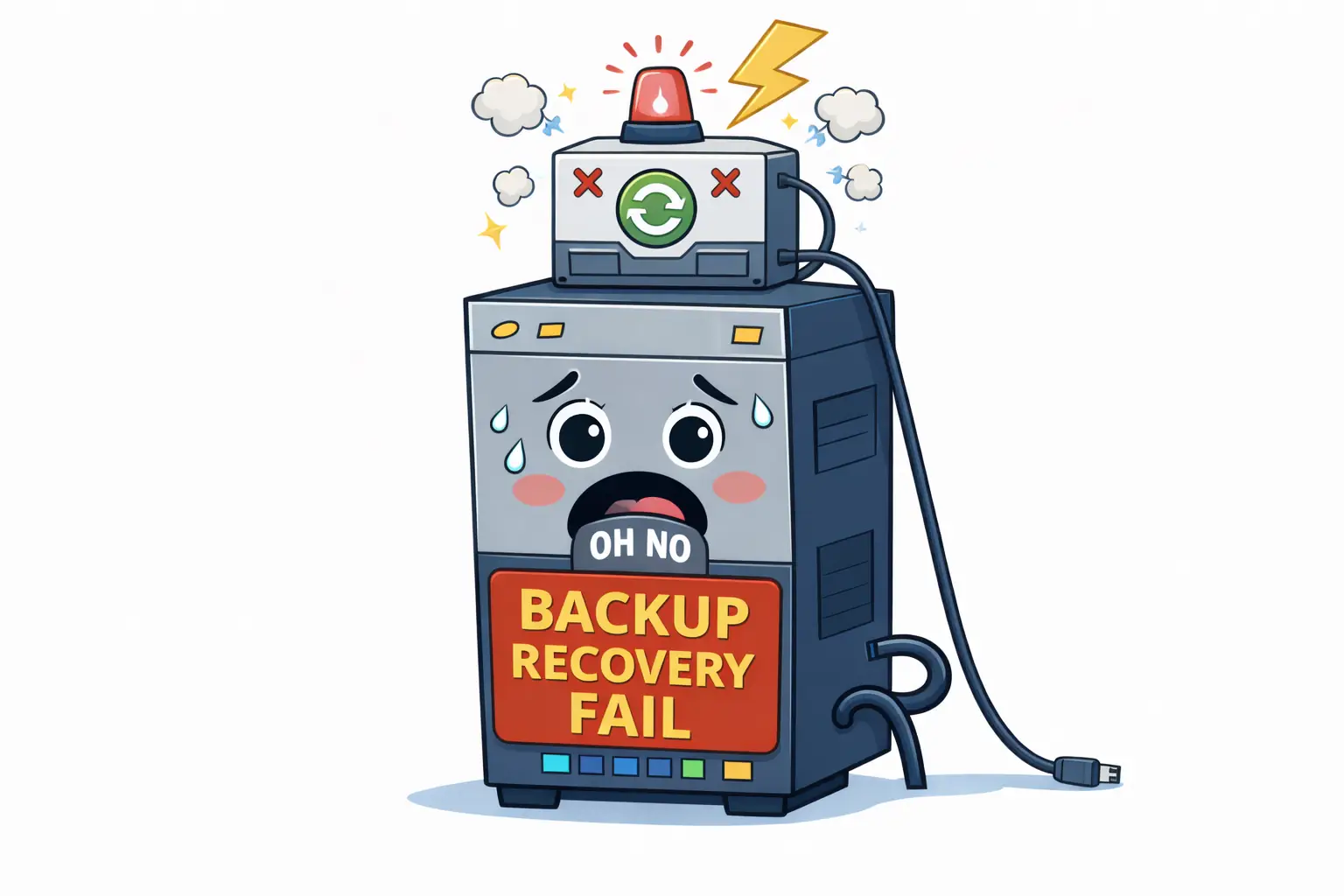
Isn’t having a WordPress backup enough?
No. A backup only matters if it can be restored quickly and correctly when something goes wrong.
Why do many WordPress backups fail during recovery?
Because they depend on plugins, incomplete snapshots, or manual processes that break under stress.
Are plugin backups reliable?
They can help, but many fail because they run inside the same WordPress site that just broke.
What actually makes a backup reliable?
Where it runs, how it’s restored, and how much control you have during recovery — especially partial restore options.
Why Many WordPress Backups Fail When You Actually Need Them
And why “having a backup” is not the same as being able to recover
Most people discover whether their backup works after something goes wrong.
- An update fails
- A plugin crashes the site
- A hack happens
- A file gets deleted
That’s when the uncomfortable realization appears:
“I thought I had a backup… but I can’t restore it.”
In practice, most WordPress backups don’t fail when they’re created.
They fail when they’re needed.
Backup ≠ Recovery
This is the most common misunderstanding.
Having:
- a backup file
- a scheduled backup
- a backup plugin installed
…does not mean you can recover your site.
Recovery means:
- restoring at the right moment
- restoring the right parts
- restoring without breaking something else
- restoring fast enough to matter
A backup that can’t be restored cleanly is just storage.
WebQuickster insight: A recurring pattern we see at WebQuickster: The problem is rarely “no backup”. The problem is “no usable restore”.
Sites recover fastest when backups:
- are automatic by default
- can be triggered manually before changes
- allow full or partial restore
- are managed outside WordPress
- are controlled from a simple dashboard
That’s when backups stop being stressful — and start being boring.
And boring is good.
Why Plugin Backups Often Fail
Plugin based backups usually run inside WordPress itself.
That creates a problem:
- If WordPress is broken… the plugin may not load
- the admin may be inaccessible
- PHP errors may stop execution
- database corruption may block restore
In other words:
The tool you need to fix the problem depends on the system that just failed.
The Three Most Common Backup Illusions
1. “My host takes backups”
Often true — but:
- you don’t control them
- you can’t choose what to restore
- restore timing may be slow
- partial restores may not exist
A backup you can’t control is not a recovery plan.
2. “I can restore everything if needed”
In real life, you rarely need everything.
Most incidents require restoring:
- just files
- just the database
- just email
- just DNS
- or just yesterday’s change
All-or-nothing restores waste time and increase risk.
3. “Daily backups are enough”
Daily backups are a baseline, not a guarantee.
If:
- a mistake happens at 10:00
- the last backup was at 02:00
…you may lose a full day of data.
What Actually Matters in a WordPress Backup
Reliable backups share a few traits:
- They run outside WordPress
- They don’t depend on plugins
- They are easy to restore under stress
- They allow partial recovery
- They are fast to roll back
- They are available before and after updates
Backup is not about frequency alone.
It’s about control and recovery options.
Why Partial Restore Matters More Than People Think
Most real recovery scenarios are surgical, not dramatic.
Examples:
- A plugin update broke the site → restore files only
- Content disappeared → restore database only
- DNS misconfiguration → restore DNS records
Being forced to restore everything increases downtime and risk.
Good recovery is precise — not heavy-handed.
Why Backup Shouldn’t Feel Technical
Backup is not an advanced feature. It’s basic safety.
If backup requires:
- configuration
- plugins
- documentation
- fear of pressing the wrong button
…it will eventually be skipped or misused.
The best backup system is the one that:
- runs automatically
- is easy to trigger before changes
- restores without guesswork
- doesn’t depend on WordPress being healthy
The Calm Backup Checklist
A WordPress site is usually well protected if:
- ✔ Backups run automatically
- ✔ Manual backup is possible before changes
- ✔ Restore works even if WordPress is broken
- ✔ Partial restore is available
- ✔ Restore is fast enough to matter
- ✔ No plugins are required for recovery
If several of these are missing,
backup becomes hope — not protection.
Final Thought — Calm CTA
If you’re not sure whether your backups would actually save you:
📩 Ask WebQuickster support for a neutral backup readiness check.
Just write: “Check my backup recovery.”
If your backups are solid → you’ll know.
If not → you’ll know before you need them.
Backups don’t matter when everything works.
They matter when nothing does.