Category Help

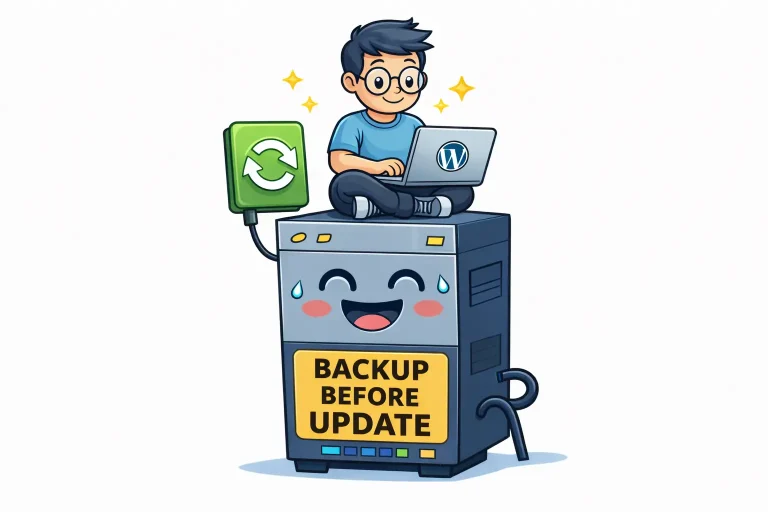
Illustration of a WordPress user updating a website, sitting on a server with the text “Backup before update”, symbolizing safe backups before changes.

Why WordPress Owners Fear Changes — How to Fix It

Why are website owners afraid of making changes? Because past failures are remembered more strongly than successful updates, creating fear of breaking something important. Is fear of updates rational? Partly. The fear usually comes from weak foundations and unclear recovery,…
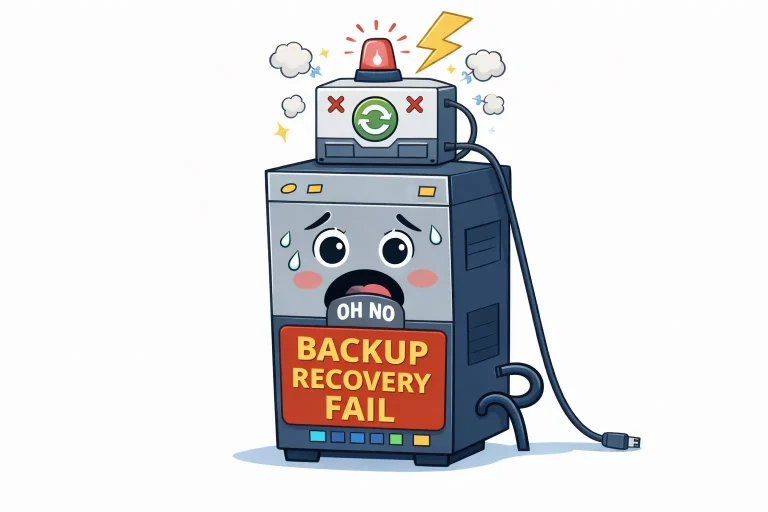
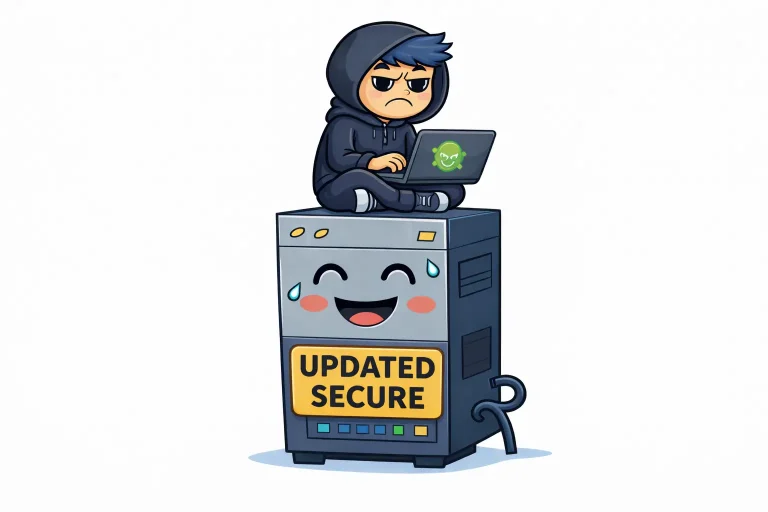
Illustration of a worried backup server with warning lights and the text “Backup Recovery Fail”, symbolizing a WordPress backup that exists but fails during real recovery situations.

Why Many WordPress Backups Fail When You Need Them

Isn’t having a WordPress backup enough? No. A backup only matters if it can be restored quickly and correctly when something goes wrong. Why do many WordPress backups fail during recovery? Because they depend on plugins, incomplete snapshots, or manual…

Illustration of an updated and secure server with the text “Updated Secure,” where a hoodie-clad hacker sits on top with a laptop – a symbol that updates protect WordPress against attacks.

Why WordPress Updates Rarely Break Sites

Do WordPress updates often break websites? No. Most WordPress updates run without issues. Problems usually appear on sites that already have outdated plugins, themes, or misaligned environments. Why are people afraid of updating WordPress? Because failed updates are remembered and…

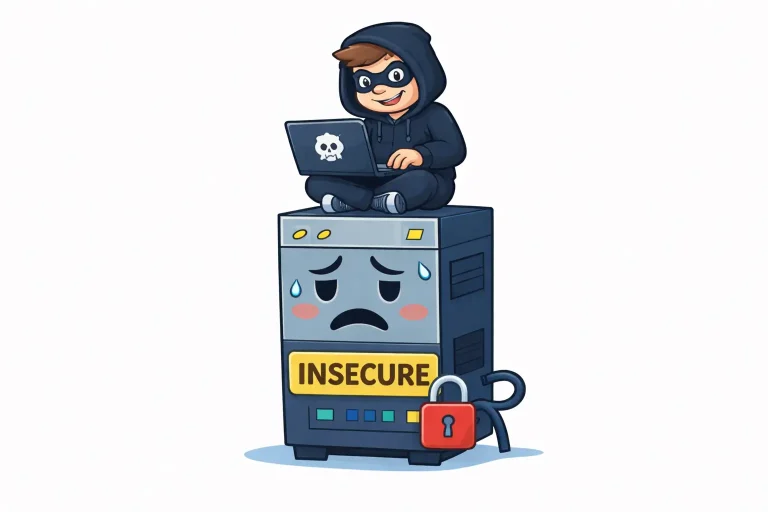
Cartoon illustration of a hacker sitting on top of an insecure server with a broken lock, symbolizing WordPress security problems caused by poor hosting

Why WordPress Security Is a Hosting Problem

Why do WordPress sites get hacked so often? Most hacks don’t target WordPress itself. They exploit outdated plugins, weak credentials, or poorly secured hosting environments. Is WordPress insecure by default? No. A properly updated WordPress installation running on secure hosting…

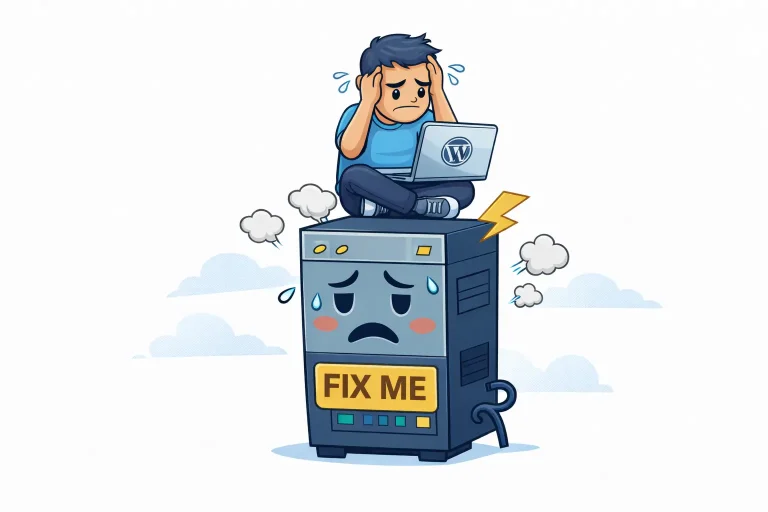
Illustration of a frustrated WordPress developer sitting on top of a slow server with the text ‘Fix me’, symbolizing hosting issues beyond the developer’s control.

Why Your WordPress Developer Can’t Fix Hosting

Why can’t my WordPress developer fix hosting problems? Because hosting problems exist on the server level. Developers work with code, themes, and plugins — not CPU limits, PHP workers, or server infrastructure. Can a developer improve site speed without changing…

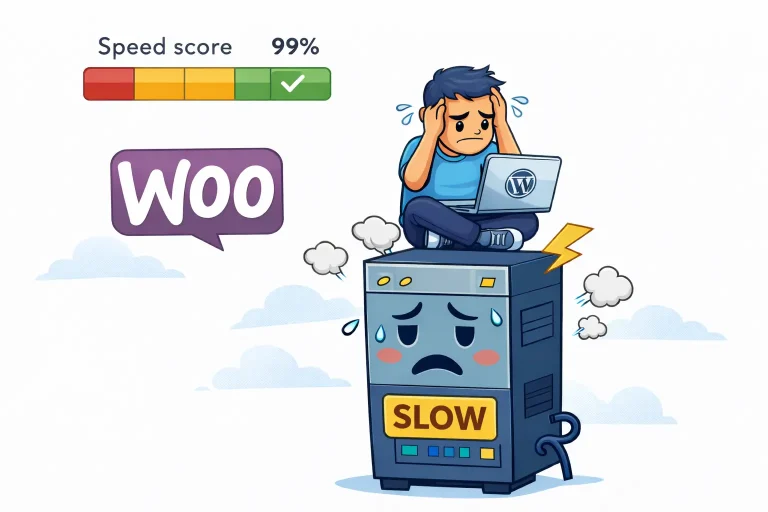
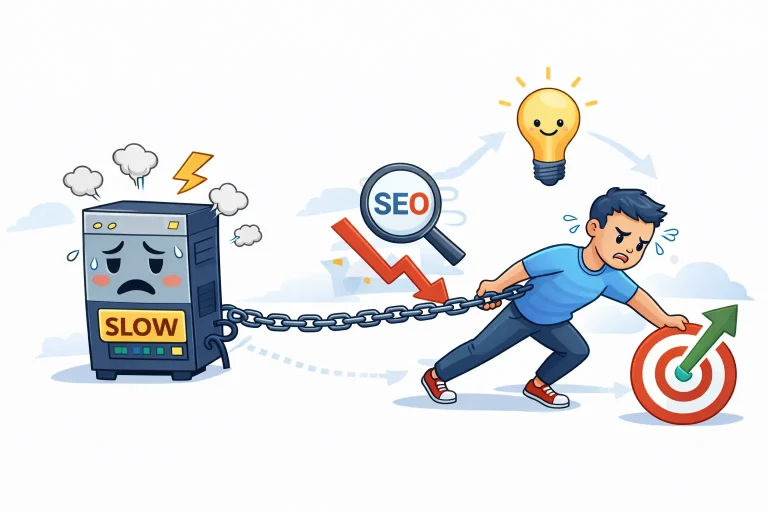
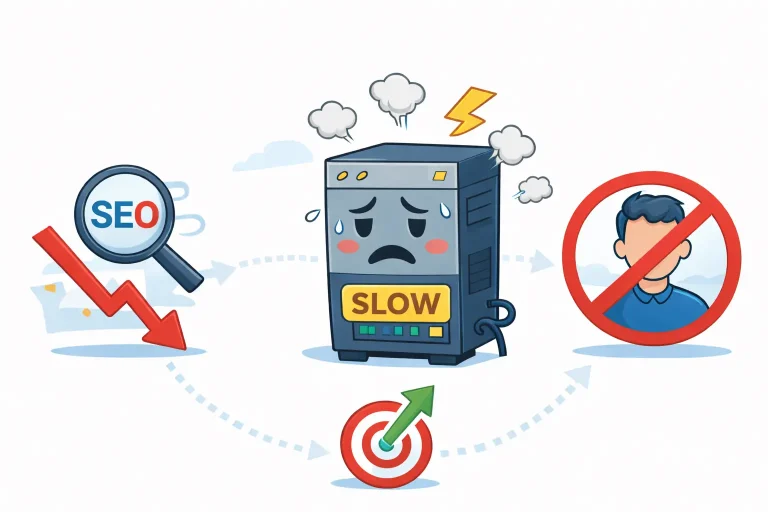
Illustration of a slow WordPress hosting server with a sad face, surrounded by declining SEO, lost visitors, and performance issues.

What Slow WordPress Hosting Really Costs

What does “slow WordPress hosting” actually mean? Slow hosting means the server takes too long to respond to requests — even before WordPress starts loading pages. This delay is often measured as Time to First Byte (TTFB). How do I…

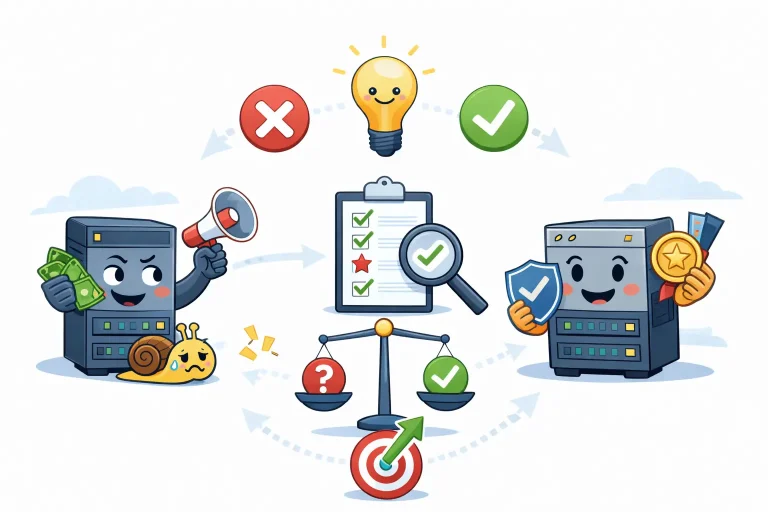
Illustration showing the difference between poor and good WordPress hosting, with a checklist, decision balance, and clear right-vs-wrong choices leading to better performance.

How to Choose the Right WordPress Hosting

What is the best WordPress hosting? There is no universal “best” WordPress hosting. The right choice depends on what your website does, how dynamic it is, and where it is in its growth stage. How do I choose hosting without…

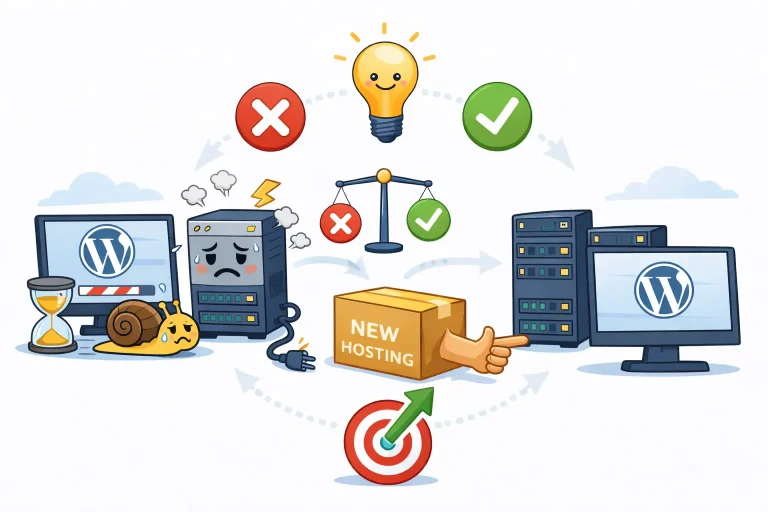
Illustration explaining when to change WordPress hosting, showing slow WordPress performance, hosting bottlenecks, server limitations, and the decision to migrate to faster, more stable WordPress hosting for better speed, uptime, and SEO.

When to Change WordPress Hosting

When should I change my WordPress hosting provider? You should change hosting when speed, uptime, or growth no longer improve despite proper site optimization. Hosting should only be changed once it is confirmed as the bottleneck. What are signs that…