WordPress Hosting Help, Support & Tips

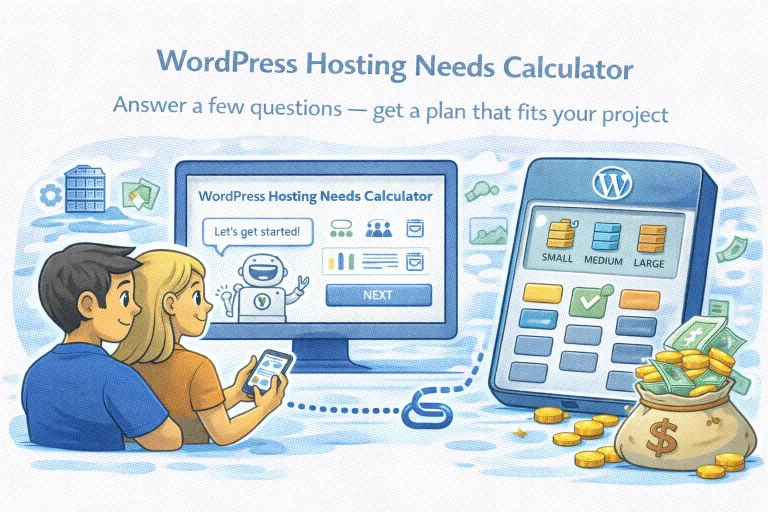
A digital illustration for a "WordPress Hosting Needs Calculator." A man and a woman are looking at a computer monitor where a friendly robot assistant says, "Let's get started!" To the right, a large calculator-like device displays three hosting tiers—Small, Medium, and Large—next to a bag of gold coins, symbolizing a tool that helps users find a hosting plan that fits their budget and project needs.

WordPress Hosting Needs Calculator

WordPress Hosting Pricing Calculator Answer a few questions — get a plan that fits your project Step 1 of 5 What type of website are you building? Choose the option that best describes your project. 📝 Blog / Portfolio Share…

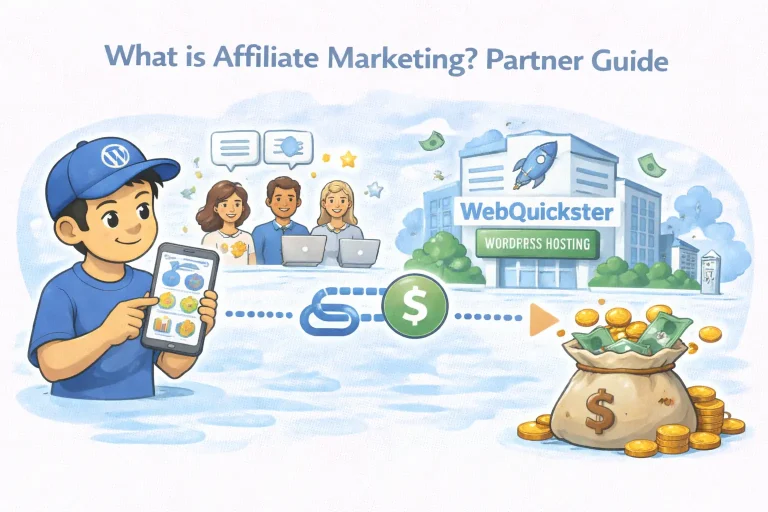
Watercolor illustration for a 'What is Affiliate Marketing? Partner Guide'. A character in a WordPress logo cap uses a smartphone to generate an affiliate link (dollar sign icon on a dotted line). In the upper background, a group of people with speech bubbles are visible. On the right, the WebQuickster WordPress Hosting building with a rocket logo has money notes flying around it. The process leads to a large sack of gold coins and money at the bottom right, illustrating successful earnings from recommendations.

What is Affiliate Marketing? Partner Guide

What is an affiliate program and how does it work? An affiliate program is a partnership where you earn a commission for referring new customers to a service. When someone signs up via your unique affiliate links, our system tracks…

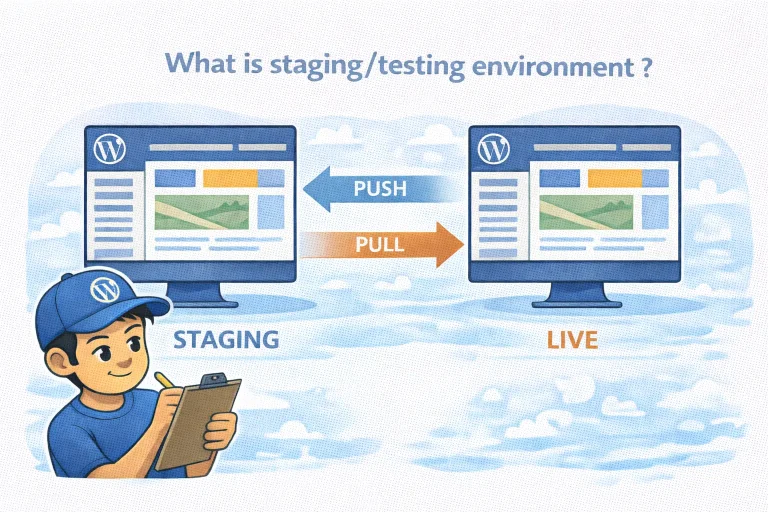
Illustration showing how a WordPress staging environment works with push and pull. A staging site on the left and a live site on the right are connected by two arrows: Push moves content from staging to live, Pull moves content from live to staging. A developer with a clipboard oversees the process.

Maintain Stability with a Staging Environment

What is staging environment meaning for my website? A staging environment is a private clone of your live website. It acts as a safety net where you can test changes, updates, or new designs without your visitors seeing the work…

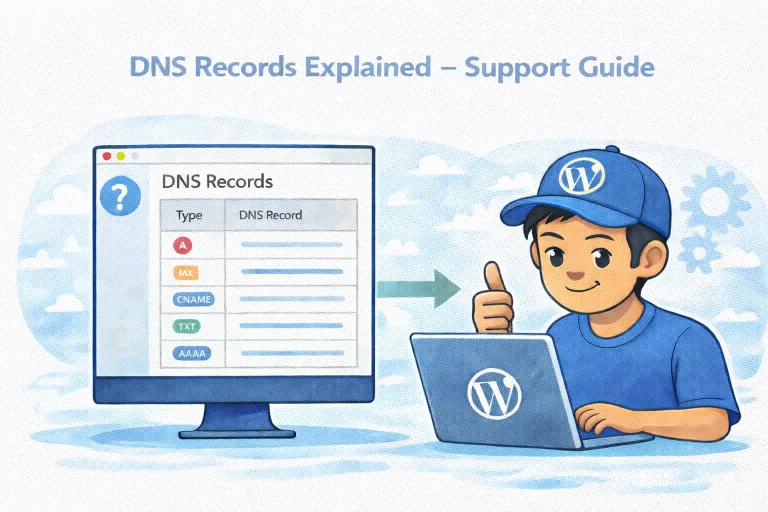
Illustration of a WordPress user managing DNS records on a computer screen, showing A, MX, CNAME, TXT and AAAA record types in a DNS support guide.

DNS Records Explained – Support Guide

What is DNS in simple terms? DNS connects your domain name (like yourdomain.com) to the servers and services behind it, such as your website and email. Why don’t DNS changes work instantly? DNS changes are applied immediately on name servers,…

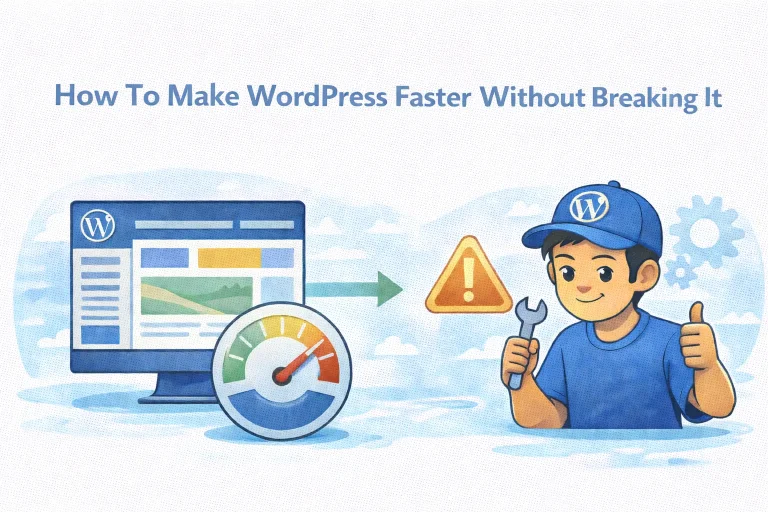
WordPress speed optimization illustration showing safe performance improvements without breaking the site

How to Make WordPress Faster Without Breaking It

Can speed optimization cause issues? Sometimes, specific optimizations (like JavaScript minification) should be tested after activation. Is it safe to use minify on modern WordPress themes? Often yes. Well built, modern themes are generally designed to work with common performance…

Illustration of a person managing WordPress using SSH and WP-CLI on a computer, with terminal screen showing “wp admin” and WordPress logos, representing professional WordPress workflows.

Dashboard or Terminal for WordPress Hosting

Do I need SSH or WP-CLI to run WordPress? No. Most users can manage everything from a dashboard. Why do some people prefer the terminal? Because it’s faster for repetitive tasks, batch operations, and development workflows. Is WP-CLI only for…

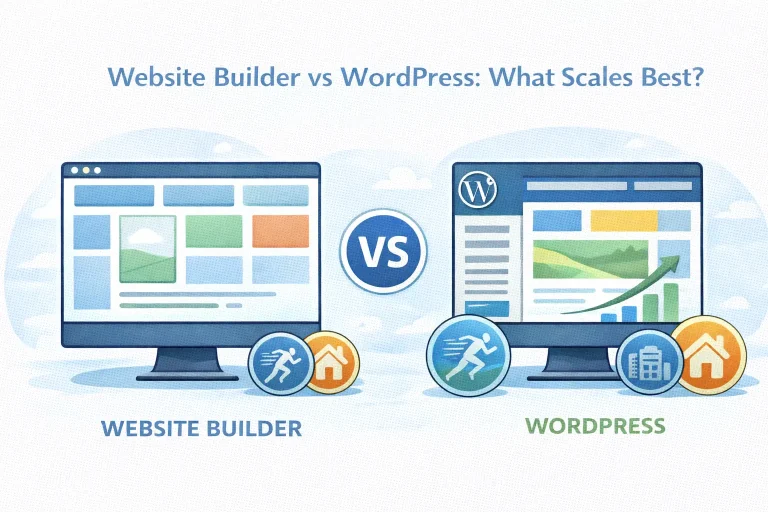
Illustration of website builders being fast to start, while WordPress scales with your goals. Using a modern WordPress theme delivers the same ease as website builders, with more freedom to grow.

Website Builder vs WordPress: What Scales Best?

Is WordPress harder to use than website builders? Not necessarily. With modern themes and block editors, WordPress can be just as easy to use. Do website builders scale well? They scale for simple sites, but often become limiting as needs…

Classic vs block vs hybrid WordPress themes illustrated on three screens labeled Classic, Block, and Hybrid

Classic vs Block vs Hybrid Themes (Blocksy)

Is Gutenberg the same as a block theme? No. Gutenberg is the editor. Block themes use it to control the entire site layout. Are classic themes slower than block themes? They can be. Classic themes often load more assets and…

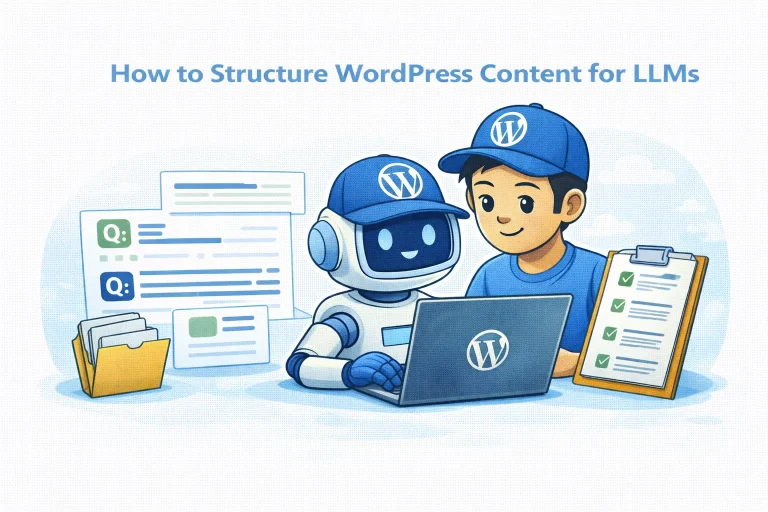
Illustration of a WordPress user and a friendly AI robot working on a laptop, with FAQ cards and a checklist showing how to structure WordPress content for LLMs and clarity.

How to Structure WordPress Content for LLMs

Do I need to “optimize for LLMs”? No. You structure content for clarity. LLM visibility follows. Are FAQ blocks still useful in the AI era? Yes. Clear question answer patterns help both users and machines extract meaning. Does over optimizing…

Illustration showing a slow, unstable WordPress server on the left and a fast, stable WordPress server on the right, with an upward arrow labeled “visibility by Google & LLMs” pointing toward better visibility for the stable server.

WordPress in LLM Era: Hosting Shapes Visibility

Are LLMs changing how people discover websites? Yes. More users now ask AI tools like ChatGPT, Gemini, and Copilot instead of searching manually. Discovery feels different, but it still depends on whether your site can be accessed reliably. Does this…