
89% OFF! — WordPress Hosting, annual: €1.30/mo — 89% OFF! ... CLICK HERE! 89 % RABAT! — WordPress Webhotel, årligt: kr 9.10/md. — 89 % RABAT! ... KLIK HER! 89 % RABATT! — WordPress Webhotell, årlig: kr 14.20/mnd — 89 % RABATT! ... KLIKK HER! 89 % RABATT! — WordPress Webbhotell, årligen: kr 13.00/mån — 89 % RABATT! ... KLICKA HÄR! 89 % RABATT! — WordPress Hosting, jährlich: €1,30/Monat — 89 % RABATT! ... HIER KLICKEN! 89 % DE RÉDUCTION ! — Hébergement WordPress, annuel : 1,30 €/mois — 89 % DE RÉDUCTION ! ... CLIQUEZ ICI !
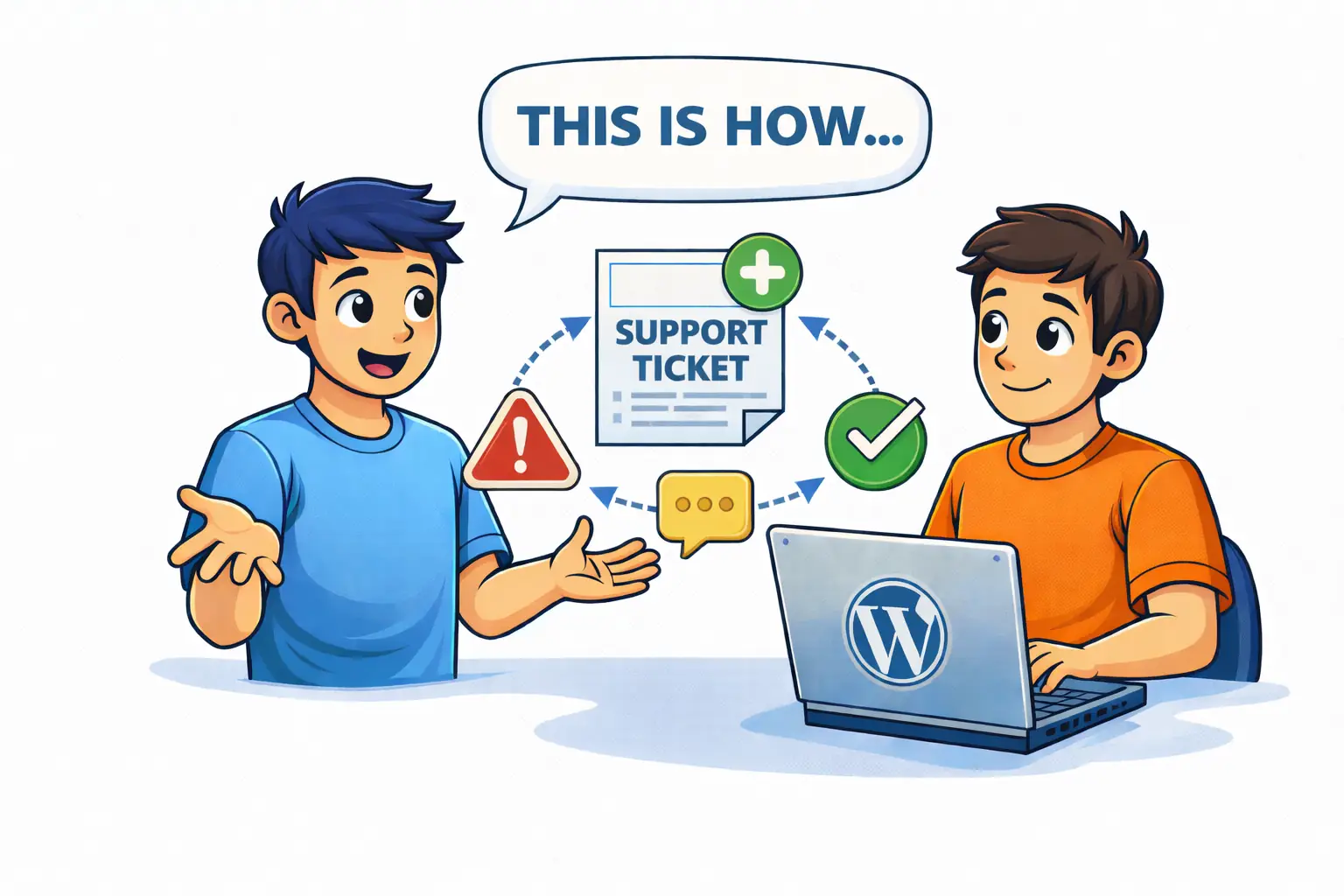
Should I tell customers if my website has an issue?
Yes. Clear and honest communication builds more trust than silence. Customers prefer knowing what’s happening rather than being left in uncertainty.
What should I say if my website is down?
Acknowledge the issue, explain the impact for users, and share what happens next. Even a simple update reassures customers.
Do technical details help during an incident?
No. Customers care about impact and resolution, not server errors or technical explanations.
How do I avoid panic communication?
Prepare a simple communication plan in advance and share calm, short, and regular updates.
Is silence better until the issue is fixed?
No. Silence creates uncertainty, which damages trust faster than most technical issues.
How to Communicate During a Website Incident (Without Losing Trust)
A website incident is stressful — not just technically, but emotionally.
- Your site goes down
- A form stops working
- Orders don’t go through
The instinct is often to stay quiet and “fix it first”. But silence creates uncertainty — and uncertainty damages trust faster than downtime.
Why Communication Matters More Than Speed
Most customers don’t expect perfection. They expect:
- Honesty
- Clarity
- Reassurance
- Follow-up
A short outage with good communication often causes less damage than a fast fix with no explanation.
WebQuickster insight: Incidents handled with early, calm, and consistent communication result in fewer frustrated customers — even when technical resolution takes longer.
The Biggest Communication Mistake
The most common mistake during incidents is over-explaining.
Customers don’t need:
- Server details
- Plugin names
- Technical blame
They need to know you’re aware, handling it, and will update them.
The 3 Things Every Incident Message Should Include
- What’s happening
Keep it simple and human. - What it means for the customer
Focus on impact. - What happens next
Even “we’re working on it” reduces uncertainty.
Short Updates Beat Long Explanations
Good updates are short, regular, and calm:
“The issue is still being worked on. Next update in 30 minutes.”
This signals control and professionalism.
Final Thought
Incidents don’t define your website. How you communicate during them does.