
89% OFF! — WordPress Hosting, annual: €1.30/mo — 89% OFF! ... CLICK HERE! 89 % RABAT! — WordPress Webhotel, årligt: kr 9.10/md. — 89 % RABAT! ... KLIK HER! 89 % RABATT! — WordPress Webhotell, årlig: kr 14.20/mnd — 89 % RABATT! ... KLIKK HER! 89 % RABATT! — WordPress Webbhotell, årligen: kr 13.00/mån — 89 % RABATT! ... KLICKA HÄR! 89 % RABATT! — WordPress Hosting, jährlich: €1,30/Monat — 89 % RABATT! ... HIER KLICKEN! 89 % DE RÉDUCTION ! — Hébergement WordPress, annuel : 1,30 €/mois — 89 % DE RÉDUCTION ! ... CLIQUEZ ICI !
Is WordPress harder to use than website builders?
Not necessarily. With modern themes and block editors, WordPress can be just as easy to use.
Do website builders scale well?
They scale for simple sites, but often become limiting as needs grow.
Can WordPress feel simple for beginners?
Yes. With the right setup and theme, WordPress can feel just as approachable as builders.
Is it easy to move away from website builders later?
Often no. Many builders lock you into their platform.
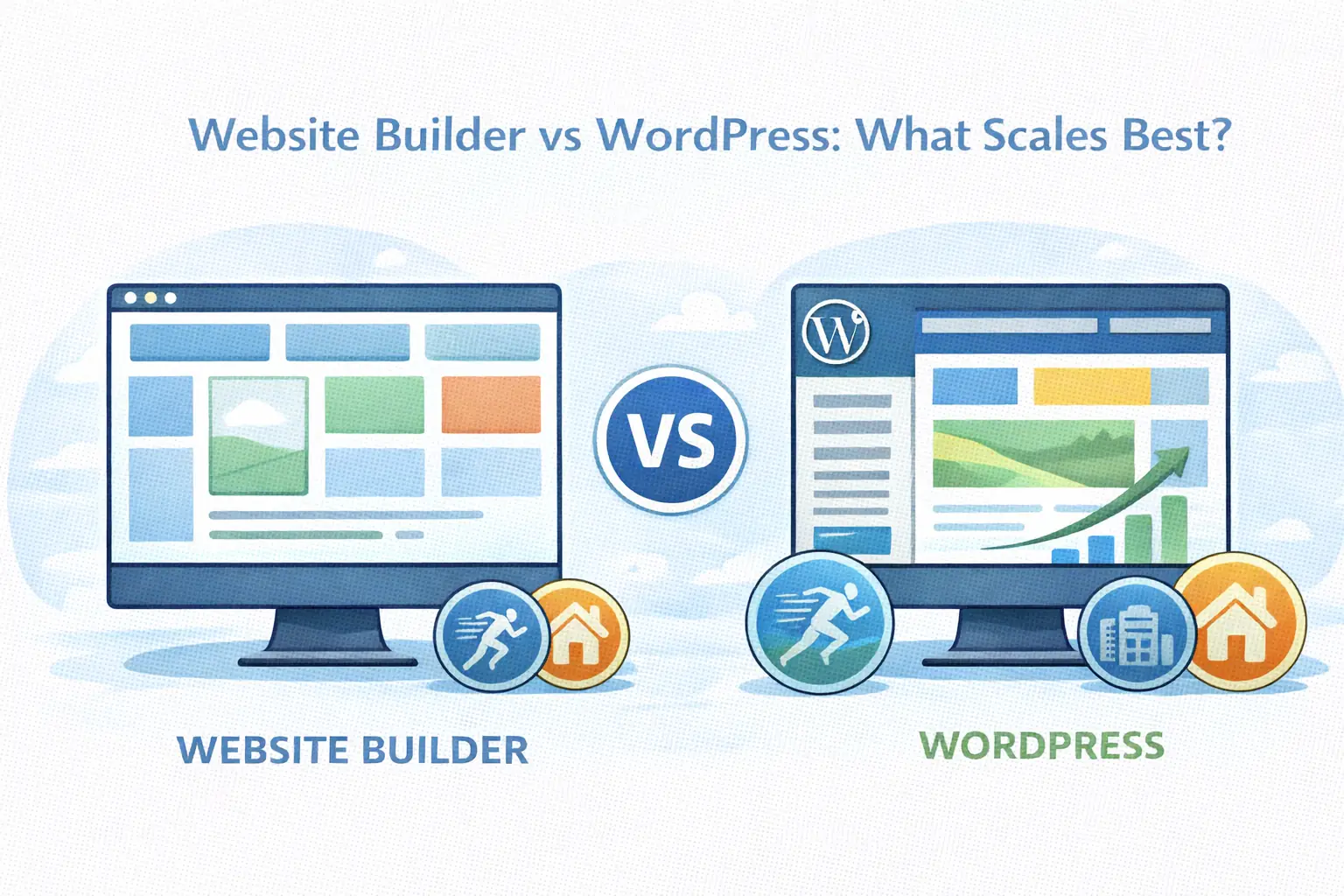
Website Builder vs WordPress: Which One Actually Scales?
From quick start to long-term freedom
Website builders promise speed and simplicity.
- Pick a template.
- Drag some blocks.
- Publish.
WordPress promises flexibility and ownership.
- Install WordPress.
- Choose a theme.
- Build your site.
At first glance, builders feel easier. But over time, the difference shows up in how far you can grow.
WebQuickster Insight: A pattern we see at WebQuickster: Users who start with WordPress using a modern theme tend to experience the same ease of use as website builders — while avoiding the limitations that appear later when their site needs to grow. For this reason, Blocksy is used as the default theme to support a simple, fast workflow for both beginners and experienced users. With WebQuickster, WordPress is auto-installed with plugins matched to the chosen website type, so users can start directly with theme design and content instead of setup.
🧱 Block 1 — Website Builders (All-in-One Platforms)
Examples include hosted builders where everything lives inside one platform.
What they’re good at:
- very fast first launch
- no technical setup
- visual editors that feel intuitive
- hosting and maintenance handled for you
Where they struggle:
- limited flexibility
- restricted plugins and integrations
- design and features tied to the platform
- difficult to move your site elsewhere
- scaling often means upgrading plans, not capabilities
Who they fit best: Small, simple sites that don’t plan to grow much.
🧩 Block 2 — WordPress (Modern Setup)
WordPress today is not the WordPress of 10 years ago.
With:
- block editor
- modern themes
- guided setup
- curated plugins
…the experience is much closer to builders than people expect.
What WordPress does well:
- you own your site and content
- thousands of plugins and integrations
- flexible design and structure
- no platform lock in
- scales from simple blog to full business site
Where WordPress can feel heavier:
- more choices
- more responsibility
- more decisions over time
But this “weight” is also what enables growth.
⚖️ Block 3 — WordPress with a Modern Theme (Blocksy as an Example)
With a modern theme like Blocksy, WordPress no longer feels harder than a website builder.
Why this changes the experience:
- clean visual controls
- block ready layouts
- fast performance out of the box
- sensible defaults
- workflow that feels familiar to builder users
This removes the biggest friction beginners experience with WordPress: “Where do I change this?”
Hybrid themes make WordPress:
- easier to start with
- easier to understand
- faster to design with
— without losing long-term freedom.
Scaling: Where the Difference Shows
At small scale, builders and WordPress feel similar.
- Builders scale pricing.
- WordPress scales capability.
Builders are optimized for: “Make it easy to launch.”
WordPress is optimized for: “Let it grow into anything.”
Ownership vs Convenience
Website builders trade ownership for convenience:
- hosting is locked
- features are limited to what the platform allows
- exporting later is often painful
WordPress trades early convenience for long-term control:
- you own your content
- you control hosting
- you choose tools
- you can move freely
With modern setups, the “convenience gap” has largely closed — but the ownership gap remains big.
Which Should You Choose? (Simple Guide)
- Choose a website builder if you want a small site with no long-term plans.
- Choose WordPress if you want ownership and flexibility.
- Choose WordPress with a modern theme (like Blocksy) if you want builder like ease without builder limitations.
Final Thought
Website builders optimize for the first week. WordPress optimizes for the next few years.
With the right setup, you don’t have to choose between ease and freedom. You can have both.
Calm CTA
If you’re unsure whether a builder or WordPress fits your goals:
📩 Ask WebQuickster support for a neutral platform fit check.
Just write: “Should I use a website builder or WordPress?”
Good platforms grow with you — not around you.