
89% OFF! — WordPress Hosting, annual: €1.30/mo — 89% OFF! ... CLICK HERE! 89 % RABAT! — WordPress Webhotel, årligt: kr 9.10/md. — 89 % RABAT! ... KLIK HER! 89 % RABATT! — WordPress Webhotell, årlig: kr 14.20/mnd — 89 % RABATT! ... KLIKK HER! 89 % RABATT! — WordPress Webbhotell, årligen: kr 13.00/mån — 89 % RABATT! ... KLICKA HÄR! 89 % RABATT! — WordPress Hosting, jährlich: €1,30/Monat — 89 % RABATT! ... HIER KLICKEN! 89 % DE RÉDUCTION ! — Hébergement WordPress, annuel : 1,30 €/mois — 89 % DE RÉDUCTION ! ... CLIQUEZ ICI !
What is DNS, in simple terms?
DNS tells the internet where your website and email live. It works like an address book that connects your domain to servers.
Why do DNS problems feel random?
Because DNS changes don’t update everywhere at once, and small mistakes can affect multiple services at the same time.
Can DNS issues affect website and email at the same time?
Yes. DNS controls where websites load from and where email is delivered. One DNS change can impact both.
Do I need to understand DNS to manage my website?
No. But knowing what DNS affects helps you recognize early warning signs before things break.
When do DNS problems usually appear?
They often appear after hosting changes, email setup changes, SSL updates, or when connecting third-party services.
Why DNS Problems Feel Random (And How to Spot Them Early)
DNS problems are some of the most frustrating website issues.
- Nothing looks wrong
- The website worked yesterday
- Email worked this morning
Then suddenly — something doesn’t.
Based on patterns we see at WebQuickster, DNS issues feel random not because they are complex, but because they’re invisible until they fail.
DNS Is the Connector Between Everything
DNS doesn’t host your website. DNS doesn’t send your email.
DNS simply tells the internet:
“This domain points here.”
- Where your website loads from
- Where email should be delivered
- Which servers are trusted for your domain
Because DNS sits between systems, a single change can ripple outward.
Why DNS Problems Feel “Random”
1. Changes Don’t Apply Everywhere at Once
When DNS is changed, some locations update quickly, others take hours, and some cache old values.
- The site works for you
- But not for someone else
- Email works on one network, not another
2. DNS Affects More Than One Thing
DNS doesn’t just affect websites. It also controls email delivery, subdomains, verification records, and security trust.
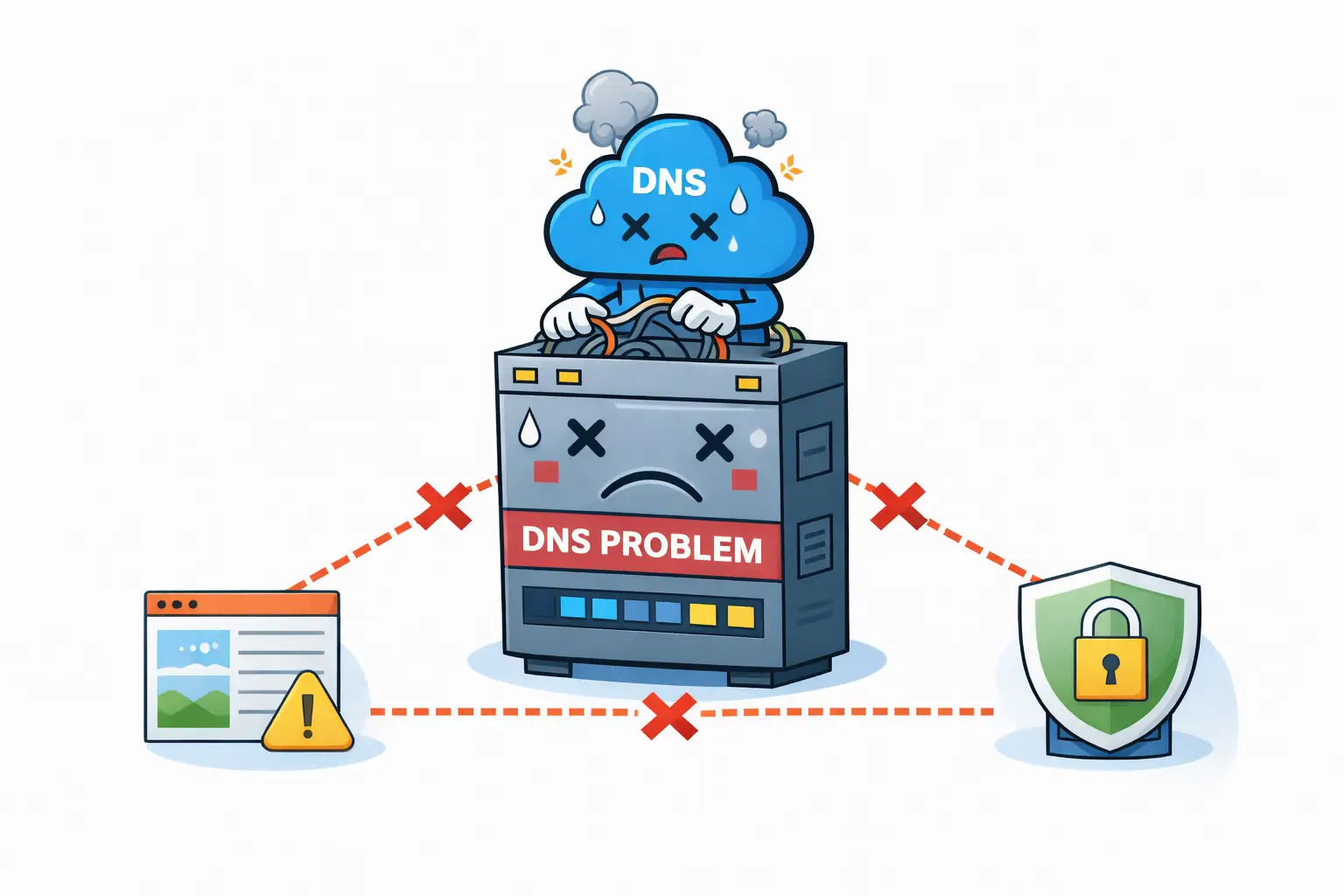
One DNS edit can cause website issues, email delivery problems, and SSL warnings — all at once.
3. Small Errors Have Big Consequences
DNS is precise. A missing dot, wrong record type, or incorrect priority can quietly break communication.
WebQuickster insight: DNS issues are rarely caused by “bad settings” — they’re caused by scattered DNS management without a single overview.
Early Warning Signs to Watch For
- Website works on some devices but not others
- Email delivery becomes inconsistent
- Unexpected SSL warnings appear
- Subdomains stop resolving
- External services can’t verify your domain
These signals usually mean the domain’s address book is out of sync.
Final Thought
If DNS feels unpredictable or mysterious, clarity matters more than complexity.
📩 Ask WebQuickster support for a neutral DNS review.
Just write: “Check my DNS setup.”
DNS shouldn’t feel random. It should feel invisible and dependable.