
89% OFF! — WordPress Hosting, annual: €1.30/mo — 89% OFF! ... CLICK HERE! 89 % RABAT! — WordPress Webhotel, årligt: kr 9.10/md. — 89 % RABAT! ... KLIK HER! 89 % RABATT! — WordPress Webhotell, årlig: kr 14.20/mnd — 89 % RABATT! ... KLIKK HER! 89 % RABATT! — WordPress Webbhotell, årligen: kr 13.00/mån — 89 % RABATT! ... KLICKA HÄR! 89 % RABATT! — WordPress Hosting, jährlich: €1,30/Monat — 89 % RABATT! ... HIER KLICKEN! 89 % DE RÉDUCTION ! — Hébergement WordPress, annuel : 1,30 €/mois — 89 % DE RÉDUCTION ! ... CLIQUEZ ICI !
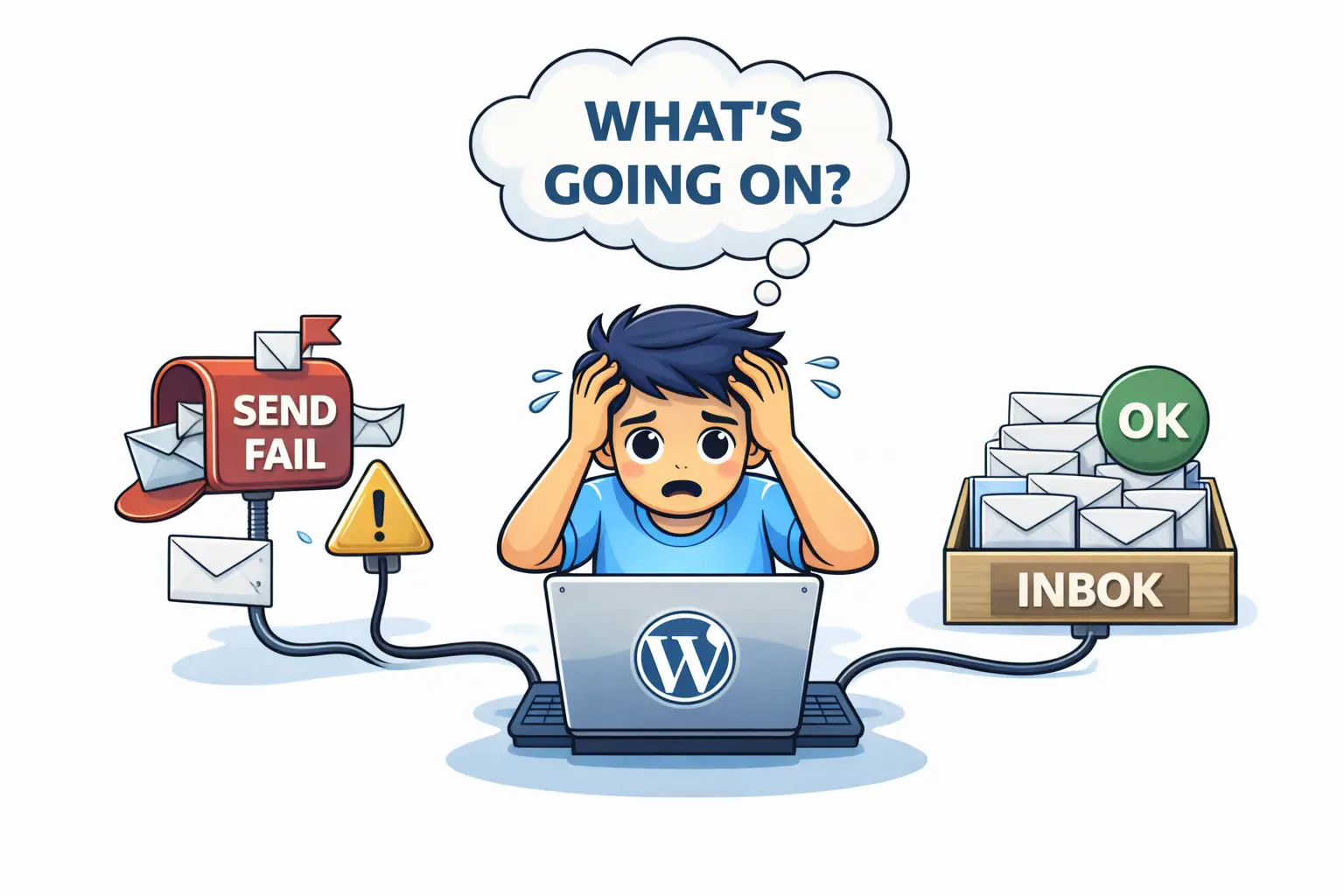
Can website problems affect email?
Yes — but usually only emails sent from the website itself, such as contact forms, order confirmations, and password resets. Inbox email typically continues working.
Why does email stop working when a website has issues?
Because many websites send emails through the site using PHP mail, plugins, or scripts. If the site is broken or misconfigured, email sending fails.
Does a broken website mean email is down?
No. If email runs on separate infrastructure, sending and receiving inbox email usually continues even if the website is offline.
Why is this confusing for website owners?
Because “email” feels like one system, but in reality inbox email and website based email are two separate systems.
Why Website Problems Often Break Email (And Why That Surprises People)
When a website has problems, email is often the first thing people notice.
- Contact forms stop sending
- Order confirmations don’t arrive
- Password reset emails disappear
The immediate conclusion is simple:
“Our email is broken.”
Based on patterns we see at WebQuickster, this reaction is understandable — but in most cases, email itself is fine.
What broke is something else.
The Two Types of “Email” (This Is the Key)
Most confusion comes from treating email as one system.
In reality, there are two very different things:
1. Inbox Email (Business Email)
This includes:
- yourname@yourdomain.com
- sending and receiving via mail clients or webmail
- mail servers using SMTP / IMAP
If inbox email runs on its own infrastructure, it keeps working even if the website is down.
2. Website Based Email (Forms & System Emails)
This includes:
- Contact form messages
- Order confirmations
- Password resets
- Notification emails
These emails are sent by the website itself using:
- PHP mail
- Plugins
- Scripts or API connections
If the website is broken, overloaded, or misconfigured, these emails fail first.
Why Website Issues Break Email Sending
Common website problems that affect email sending:
- Plugin conflicts
- Failed updates
- PHP errors
- Server overload
- Misconfigured mail settings
- Broken DNS records related to the site
In these situations:
- Your mailbox still works
- Your email server still works
- But the website can’t hand off the email
The message never leaves the site.
Why This Feels Like an “Email Outage”
From the outside, the symptoms look identical:
- No contact form messages
- Customers say “I emailed you”
- Password reset emails don’t arrive
But under the hood:
- Email infrastructure is healthy
- Website delivery is not
This is why diagnosing “email problems” often starts in the wrong place.
WebQuickster insight: At WebQuickster, business email runs on dedicated email infrastructure — separate from the WordPress website itself. This means inbox email keeps working even if the site has issues, and website email problems can be fixed without touching email accounts.
Why Bundling Everything Together Can Backfire
When website, email, DNS, and backups are tightly coupled, a failure in one part spreads to others.
That’s why modern setups increasingly:
- Isolate email delivery
- Keep mail servers dedicated to email
- Avoid routing business communication through the website stack
This isn’t complexity — it’s risk reduction.
Final Thought
If email problems make your website feel unreliable:
📩 Ask WebQuickster support for a neutral email flow check.
Just write: “Check my website email sending.”
Email shouldn’t be a mystery. Clarity beats panic.