
89% OFF! — WordPress Hosting, annual: €1.30/mo — 89% OFF! ... CLICK HERE! 89 % RABAT! — WordPress Webhotel, årligt: kr 9.10/md. — 89 % RABAT! ... KLIK HER! 89 % RABATT! — WordPress Webhotell, årlig: kr 14.20/mnd — 89 % RABATT! ... KLIKK HER! 89 % RABATT! — WordPress Webbhotell, årligen: kr 13.00/mån — 89 % RABATT! ... KLICKA HÄR! 89 % RABATT! — WordPress Hosting, jährlich: €1,30/Monat — 89 % RABATT! ... HIER KLICKEN! 89 % DE RÉDUCTION ! — Hébergement WordPress, annuel : 1,30 €/mois — 89 % DE RÉDUCTION ! ... CLIQUEZ ICI !
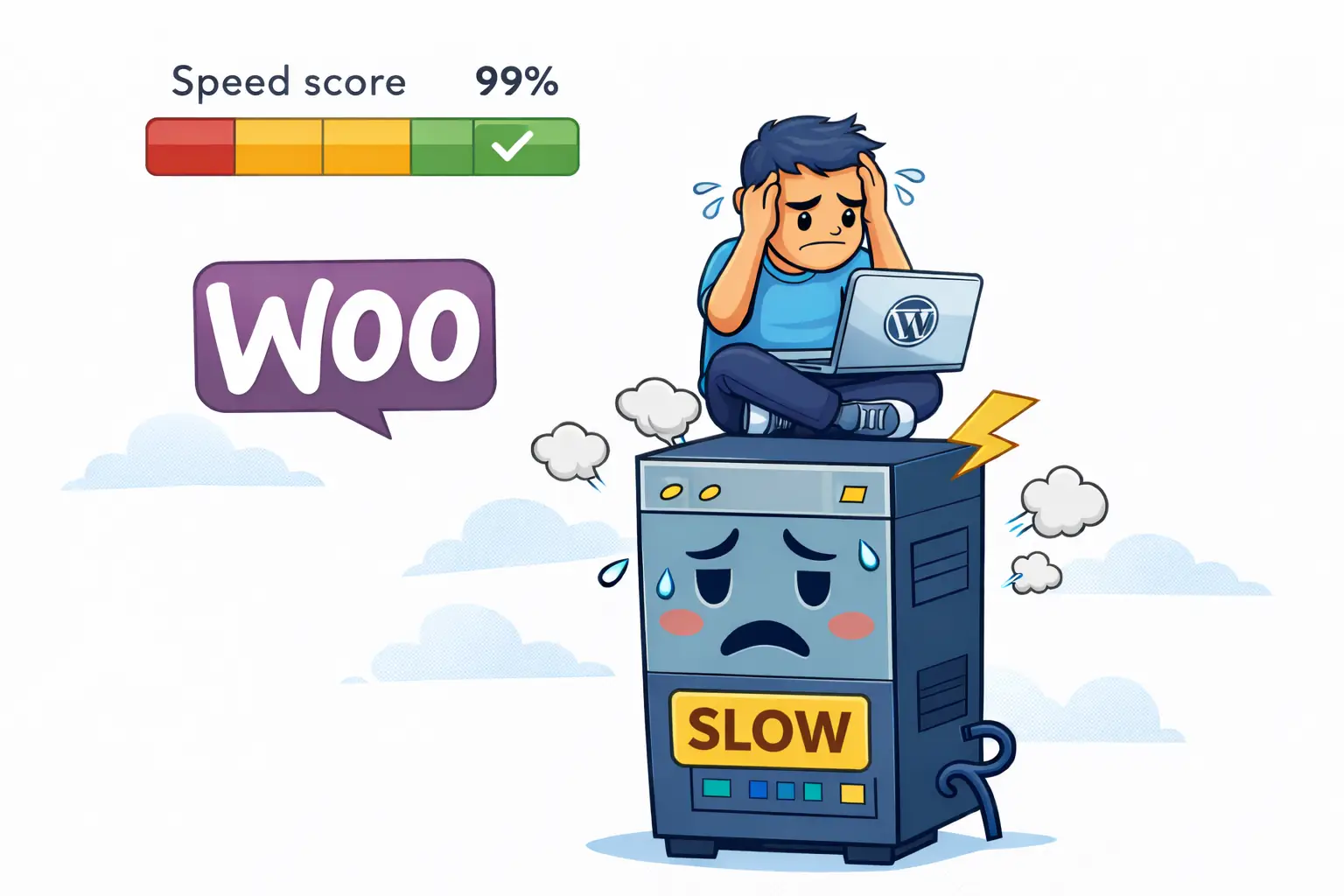
Why does my WooCommerce store feel slow even with good speed scores?
Because speed tests measure how fast a page loads for a robot. Real customers trigger carts, stock checks, shipping calculations, and account data — all of which require real-time processing.
Why is WooCommerce slower than my blog on the same site?
A blog displays content the same way for everyone. WooCommerce must calculate content for each visitor, including prices, taxes, stock, and cart state.
Which WooCommerce pages cannot be cached?
Cart, checkout, My Account, product variations, and order tracking pages must load fresh data every time and cannot rely on full-page caching.
Can performance plugins fully fix WooCommerce slowness?
They help reduce overhead, but they cannot replace server capacity. WooCommerce needs enough resources to handle live customer interactions.
Do I need special hosting for WooCommerce?
Not special — aligned. WooCommerce requires sufficient resources, fast storage, and modern PHP to handle dynamic workloads smoothly.
Why WooCommerce Can Feel Slow Even When Speed Tests Look Perfect
It’s one of the most confusing WooCommerce problems:
- PageSpeed scores above 90
- Fast loading product pages
- Optimized images, caching, and CDN enabled
Yet the store still feels slow.
- Checkout hesitates
- The dashboard feels heavy
- Buttons respond with a delay
This isn’t a mistake. It’s a misunderstanding of what speed tests actually measure.
Speed Tests Measure Robots — Not Customers
Speed tools load a page once, without interaction.
They don’t:
- Add items to cart
- Calculate shipping and taxes
- Check stock availability
- Apply coupons
- Load customer accounts
Real customers do.
That’s why a WooCommerce store can look fast on paper but feel slow in real life.
WebQuickster insight: When WooCommerce feels slow despite good scores, the issue is often not the website — but the environment it runs in.
Display vs Calculate (The Key Difference)
- Blog: Displays content
- WooCommerce: Calculates content
Every cart update, checkout step, or variation selection triggers real-time decisions. These actions cannot be cached away.
Where Slowness Is Most Noticeable
- Cart page
- Checkout
- My Account
- Product variations
- Order tracking
These pages must respond to each user individually.
Good Scores + Bad Experience = Misalignment
If this sounds familiar:
- Blog feels fast
- Homepage loads smoothly
- Product pages score well
But:
- Checkout lags
- Admin feels heavy
- Campaigns stress the store
The store isn’t broken. It has likely outgrown its current environment.
Hosting isn’t about size — it’s about alignment with real usage.