
89% OFF! — WordPress Hosting, annual: €1.30/mo — 89% OFF! ... CLICK HERE! 89 % RABAT! — WordPress Webhotel, årligt: kr 9.10/md. — 89 % RABAT! ... KLIK HER! 89 % RABATT! — WordPress Webhotell, årlig: kr 14.20/mnd — 89 % RABATT! ... KLIKK HER! 89 % RABATT! — WordPress Webbhotell, årligen: kr 13.00/mån — 89 % RABATT! ... KLICKA HÄR! 89 % RABATT! — WordPress Hosting, jährlich: €1,30/Monat — 89 % RABATT! ... HIER KLICKEN! 89 % DE RÉDUCTION ! — Hébergement WordPress, annuel : 1,30 €/mois — 89 % DE RÉDUCTION ! ... CLIQUEZ ICI !
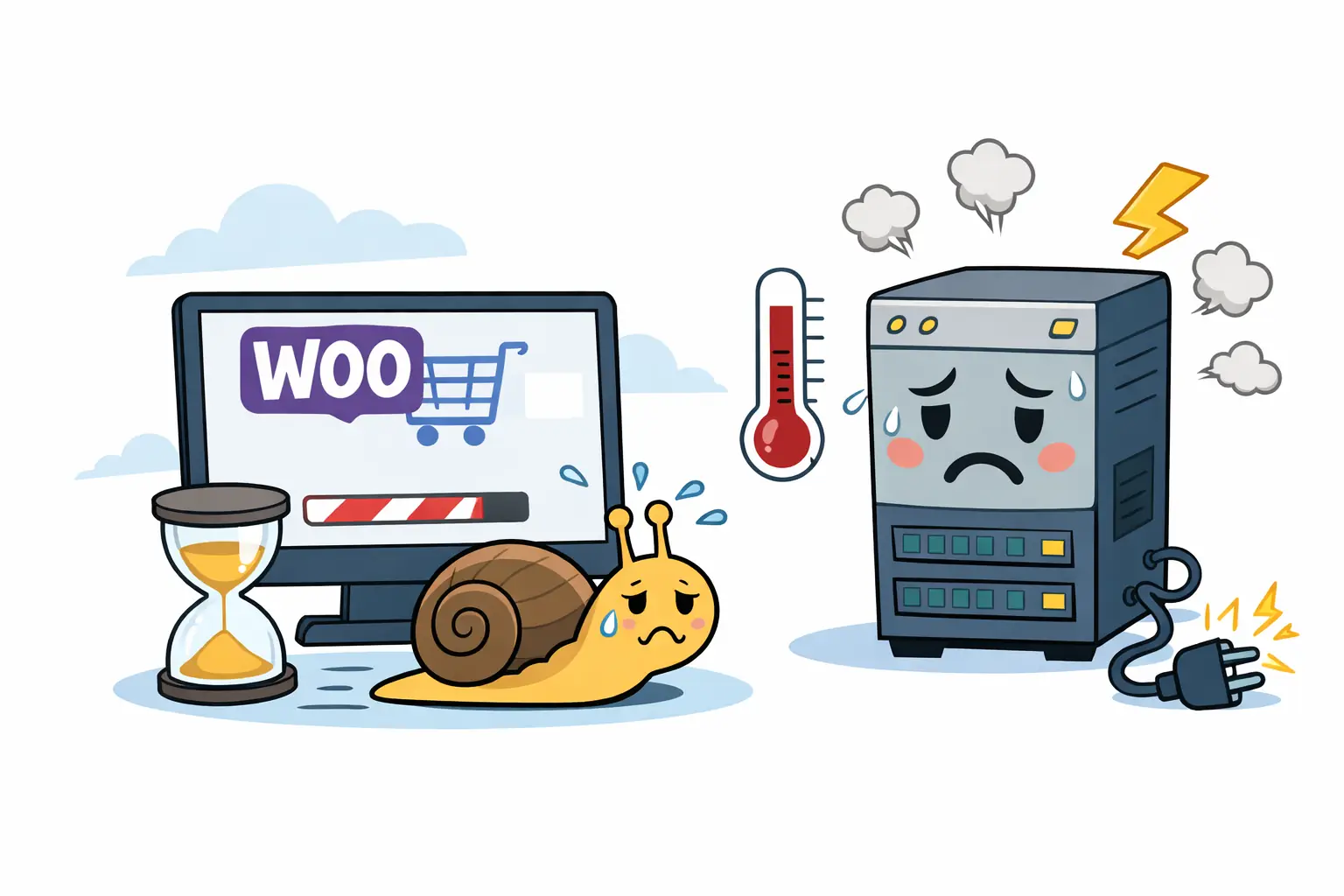
Why is my WooCommerce store slow or stuck?
WooCommerce relies on real-time server resources for cart updates, stock checks, and checkout. If hosting can’t keep up, the store may feel slow, stuck, or unresponsive.
Can hosting cause WooCommerce checkout to get stuck?
Yes. Low PHP worker limits, memory caps, or slow database access often cause checkout steps to hang, delay, or time out.
Does cheap hosting affect WooCommerce performance?
Absolutely. Cheap hosting often restricts memory and concurrent PHP processes, which impacts WooCommerce carts and checkout under normal traffic.
Do I need special hosting for WooCommerce?
Not special — but aligned. WooCommerce needs sufficient memory, fast storage, enough PHP workers, and modern PHP versions to run smoothly.
Will better hosting improve conversions?
In many cases, yes. Faster and more stable checkout experiences increase trust and reduce cart abandonment.
WooCommerce Slow or Stuck? Hosting Might Be the Real Problem
A slow or stuck WooCommerce store isn’t just frustrating — it’s expensive.
- Slow cart updates → fewer completed purchases
- Checkout that feels stuck → loss of trust
- Traffic spikes → instability or crashes
If you’ve optimized images, added caching, enabled a CDN, and minimized scripts — yet checkout still feels slow, frozen, or inconsistent…
👉 the problem is often the hosting foundation.
WooCommerce is not “just WordPress with plugins.” It’s a real-time commerce engine — and it needs hosting that supports that reality.
Why WooCommerce Needs More Than Regular Hosting
Standard WordPress sites are mostly static. WooCommerce is constantly recalculating:
- Logged-in customer sessions
- Live cart and checkout requests
- Inventory and stock validation
- Payment processing callbacks
- Product search and filtering
- Email triggers and API events
These operations cannot be cached. When hosting resources are insufficient, the store may appear slow, partially loaded, or completely stuck during interaction.
The Checkout Bottleneck (Where Revenue Is Lost)
Checkout is where hosting limitations surface first.
If product pages load quickly but checkout slows down, appears stuck, or times out, it’s because checkout:
- bypasses full-page caching
- depends on real-time PHP execution
- stresses memory, workers, and database performance
Conversion impact
- 1–2 seconds → noticeable friction
- 3–5 seconds → trust drops
- 5–8 seconds → abandoned carts
Plugins can improve UX. Hosting controls whether checkout moves — or gets stuck.
WebQuickster insight: Many WooCommerce stores stabilize immediately after moving away from entry-level hosting — without changing themes or plugins.
When Hosting Is the Bottleneck (Not Your Store)
If your site runs smoothly on a quiet Tuesday but buckles the moment you actually drive results, you don’t have a store problem — you have a hosting ceiling.
Don’t let a “good day” setup turn into a technical failure during:
- Viral social spikes or influencer shoutouts
- The first 10 minutes of a newsletter blast
- High-stakes seasonal promotions
- Aggressive ad scaling
When demand increases, hosting limits are exposed immediately. If resources can’t scale with traffic, checkout slows, carts appear stuck, and errors follow.
Common hosting limitations
- Too few PHP workers
- PHP memory below 256MB
- Slow disk I/O causing database delays
- Outdated PHP versions
- Shared CPU throttling
Memory guidance: WooCommerce typically needs at least 256MB, with 512MB+ recommended for active stores.
Quick Check — Hosting or Store Setup?
Hosting is likely the issue if:
- Checkout feels slow or stuck despite caching
- WordPress admin is always sluggish
- Traffic spikes cause errors or downtime
- Checkout TTFB exceeds 400ms
- PHP memory is under 256MB
Store setup is likely the issue if:
- Product images are very large (1–8MB)
- Many plugins load during checkout
- Page builders inject scripts site-wide
- The theme loads excessive CSS/JS
🎯 If both apply — fix hosting first. Otherwise, you’ll optimize against a hard limit.
Modern WooCommerce Standards (2026)
- HPOS: Faster order queries with optimized tables
- Object caching (Redis-ready): Essential for live cart operations
- NVMe storage: Database queries should never wait on disk
- PHP 8.2 / 8.3: Faster execution and safer concurrency
These features only help when the hosting environment can support them.
Final Thought
If you’re unsure whether your WooCommerce store is slow because of hosting or configuration:
📩 Ask WebQuickster Support for a WooCommerce speed review.
No sales pitch — just clarity.
Ask: “Check my WooCommerce checkout bottleneck.”
Knowing the real cause saves more money than guessing.